
Computing & Networks
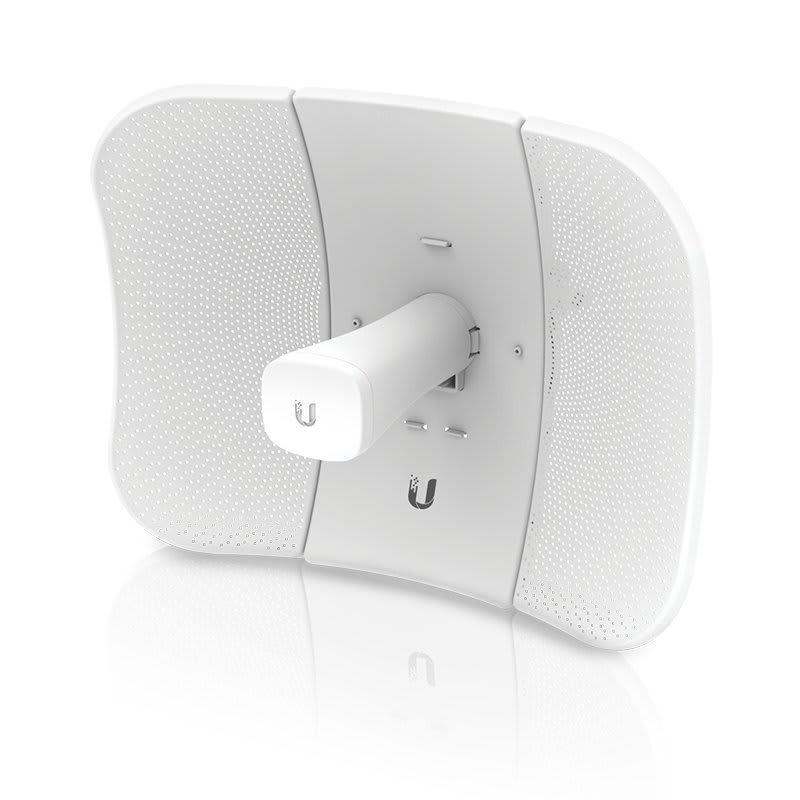
Ubiquiti LiteBeam 5AC Gen2 (LBE-5AC-Gen2)
KSh 10,000
KSh 300 delivery anywhere in Kenya · Cash on delivery
A point to point wireless link joins two buildings with a pair of outdoor radios instead of a trench full of cable. Here is how to plan one properly: line of sight, the Fresnel zone, which Ubiquiti radio to use, powering it and aligning it.
By Giga Team Solutions · Updated · 8 min read
A typical call goes like this: the internet and the CCTV recorder are in the main house, and the owner wants cameras and WiFi at the gatehouse 120 metres away, or at the farm store across two fields, or at a second shop on the other side of the road. Cable is limited to 100 m, digging a trench across a driveway or a public road is expensive or simply not allowed, and a WiFi extender will not reach. A point to point wireless link, sometimes called a wireless bridge, solves this with two outdoor radios aimed at each other. Done properly, the far building behaves as if it were on the same cable as the main one.
Each end has a directional radio mounted outdoors. One is set as the access point, the other as the station, and together they act like an invisible Ethernet cable. At the far end you plug in whatever you need: a switch, an access point, IP cameras, a VoIP phone or a till PC. Common jobs we see in Kenya:
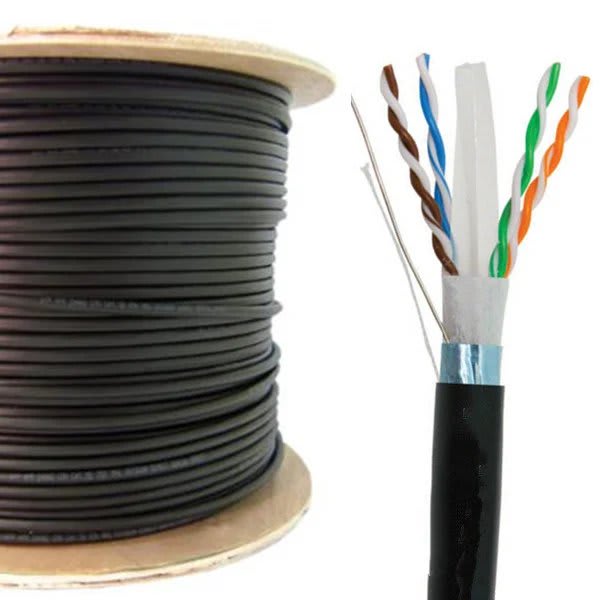
If the far building is under 100 m away and you can run cable safely, cable is still the better answer. See our Cat6 cable price guide for outdoor options.
The two radios must see each other. Not roughly, not through a mango tree, but a clear view from one dish to the other. 5 GHz signals are absorbed by leaves, walls and water tanks, and a link that works in the dry season can drop out when the trees fill in after the long rains.
Clear line of sight is necessary but not quite enough. The radio signal travels in a fat, rugby-ball shaped zone between the two dishes, called the Fresnel zone. It is widest at the middle of the link. If a roof, wall, tree or the ground pokes into that zone, the signal weakens even when you can see the far dish with your eyes. The usual rule is to keep at least 60% of the zone clear at the midpoint.
The radius at the midpoint is roughly 8.66 × √(distance in km ÷ frequency in GHz), in metres:
| Link length | Band | Full zone radius at midpoint | 60% to keep clear |
|---|---|---|---|
| 200 m | 5.8 GHz | about 1.6 m | about 1.0 m |
| 500 m | 5.8 GHz | about 2.5 m | about 1.5 m |
| 2 km | 5.8 GHz | about 5.1 m | about 3.1 m |
| 500 m | 2.4 GHz | about 4.0 m | about 2.4 m |
In practice this means: mount both radios high enough that the straight line between them clears roofs, boundary walls and tree tops by at least those margins in the middle. On a flat farm, that often means a mast at each end rather than a bracket on the eaves. On a long link the curve of the earth also starts to matter, which is another reason longer links need taller masts.
For a dedicated link between buildings, 5 GHz is the normal choice. It has many more channels than 2.4 GHz, and the 2.4 GHz band in Nairobi and most towns is crowded with home routers, phones and hotspots. 2.4 GHz copes slightly better with partial obstruction, but it is slower and noisier. Use it only for short, simple links where its lower price matters more than speed.
You need two radios for one link, one at each end. Prices below are per unit, with the pair price beside it.
| Radio | Band | Best for | Price each | Pair |
|---|---|---|---|---|
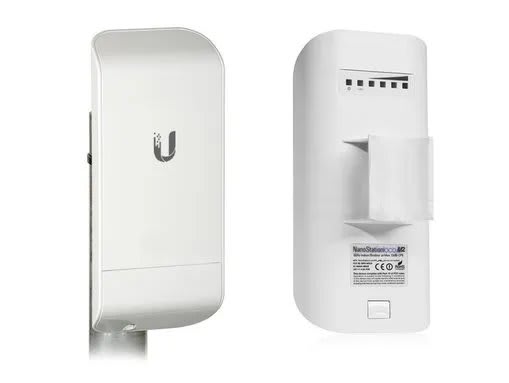
| Ubiquiti NanoStation loco M2 | 2.4 GHz | Short links within a compound, light traffic | KSh 7,000 | KSh 14,000 |
| Ubiquiti LiteBeam 5AC Gen2 | 5 GHz | Most gatehouse, shop-to-shop and farm links | KSh 10,000 | KSh 20,000 |
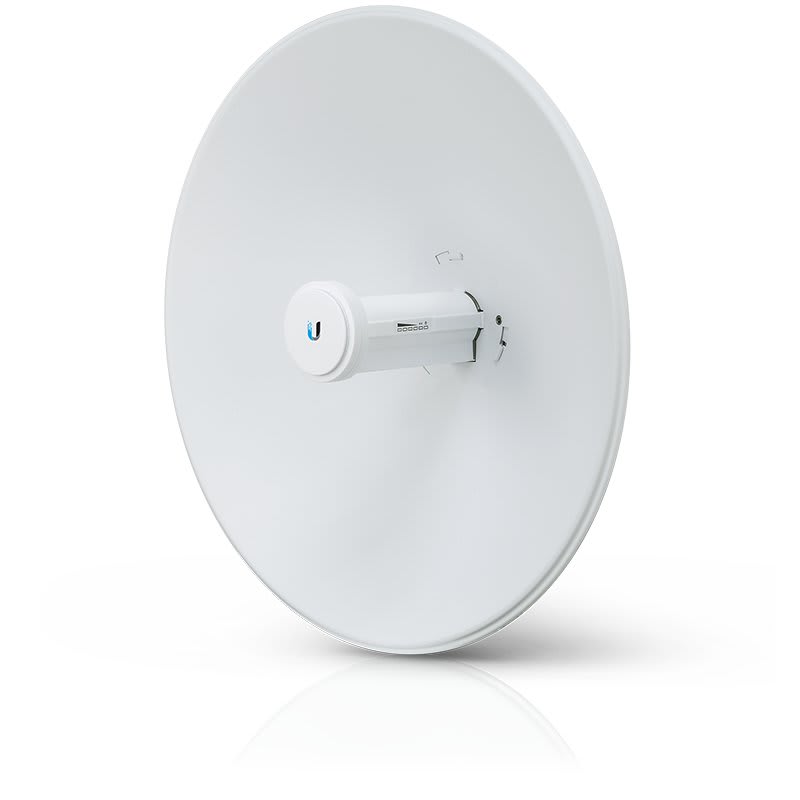
| Ubiquiti PowerBeam 5AC Gen2 | 5 GHz | Longer links, noisier areas, more CCTV traffic | KSh 19,000 | KSh 38,000 |
How far will they go? With clear line of sight, the 5 GHz airMAX radios can reach up to several kilometres, depending on model, interference and how well they are aligned. The PowerBeam's larger dish gives a stronger, more focused signal than the LiteBeam, so it holds up better on long links and in areas full of other 5 GHz equipment. For a gatehouse 100 to 300 metres away, a LiteBeam pair is normally plenty. We would rather size the link to your actual site than quote a headline range figure, so send us the distance and a photo from each end.
CCTV is the most demanding thing most people put over a bridge, because cameras stream all day. Add up the bitrates: eight 2MP cameras on H.265 at about 2 to 4 Mbps each need roughly 16 to 32 Mbps continuously. A well-aligned 5 GHz airMAX ac link normally has plenty of headroom for that. A 2.4 GHz M2 link is much more limited; keep it to a few cameras or to sharing internet.
Two ways to set it up:
At the far end, a small PoE switch powers the cameras from the same link. Our CCTV hard disk calculator shows the bitrate maths in more detail.
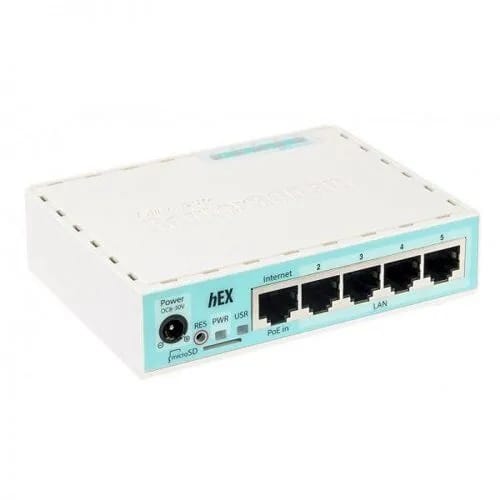
For the network itself, a router at the main site keeps things tidy. The MikroTik hEX RB750Gr3 (KSh 9,500) suits a home or small business. On MikroTik you can keep CCTV and office traffic on separate networks so cameras are not reachable from guest WiFi.
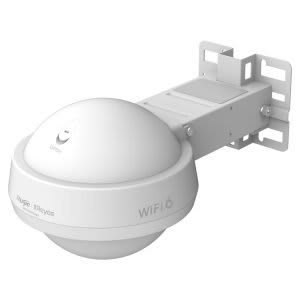
If the far end needs WiFi coverage across a yard, compound or farm, plug an outdoor access point into the link. The Ruijie RAP6262(G) WiFi 6 outdoor access point (KSh 19,000) is built for that; check its datasheet for the PoE power it needs. Do not try to use the bridge radios themselves to give phones WiFi.
Send us the distance, a photo from each end looking towards the other, and what you want at the far end, on WhatsApp at +254 718 811 661 or via our contact page. We install in Nairobi and deliver radios anywhere in Kenya for a flat KSh 300 with cash on delivery. More gear is in networking and WiFi.
Our Ubiquiti PowerBeam 5AC Gen2 is KSh 19,000 per unit, so a link needs a pair at KSh 38,000. The LiteBeam 5AC Gen2 is KSh 10,000 per unit.
With clear line of sight, 5 GHz airMAX radios can reach up to several kilometres, depending on the model, interference and alignment. Most gatehouse and shop-to-shop links are only a few hundred metres.
Yes. Add up the camera bitrates and choose a 5 GHz link with headroom; eight 2MP H.265 cameras need roughly 16 to 32 Mbps. A small recorder at the far end keeps recording if the link drops.
Yes. The dishes must see each other, and the zone around that line, widest at the middle, should be mostly clear of roofs, walls and trees.
Yes, one at each end. Prices on our site are per unit, so budget for a pair.
Computing & Networks
KSh 10,000
Computing & Networks
KSh 19,000KSh 20,000
Computing & Networks
KSh 7,000KSh 8,000
Computing & Networks
KSh 9,500KSh 11,000
Computing & Networks
KSh 19,000KSh 20,000
Computing & Networks
KSh 26,000