Office WiFi & Structured Cabling in Kenya: 2026 Cost Guide
Plan office WiFi and structured cabling in Kenya for 2026: Cat6/Cat6a, fiber, access points, PoE, racks and typical KES price ranges for SMEs in Nairobi.
Reliable office WiFi and structured cabling in Kenya is the invisible backbone of every productive workplace — yet it is the part of an office fit-out most often done on the cheap, then regretted within months. A single consumer router stretched across a busy Nairobi office leads to dead zones, dropped video calls, and a network that buckles the moment a few extra staff log on. This guide explains how proper office WiFi and structured cabling work, what the components cost in typical 2026 Kenyan market price ranges (KES), and how to plan a network that scales as your SME grows.
Why a Single Router Fails in an Office
The all-in-one router supplied by your ISP is built for a small home with a handful of devices. In an office it falls short for several predictable reasons:
- Limited range and coverage. One router cannot blanket multiple rooms, concrete walls, and partitioned workstations. You get strong signal near the device and frustrating dead zones everywhere else.
- Device saturation. Consumer routers struggle past 20-30 active connections. Add laptops, phones, IP phones, printers, POS terminals, and CCTV, and the radio simply chokes.
- No roaming. Staff walking between rooms keep clinging to a weak, far-away signal instead of handing over to a closer one.
- Single point of failure. One router down means the whole office is offline.
The professional answer is a cabled backbone (structured cabling) feeding multiple wireless access points (APs) placed for even coverage. The cabling carries the heavy lifting; the APs broadcast clean WiFi exactly where people sit.
Access Points and Power over Ethernet (PoE)
Business-grade WiFi uses several ceiling- or wall-mounted access points working as one seamless network. Devices roam between them automatically, the same way your phone hands over between mobile masts. Most modern offices in Kenya now deploy WiFi 6 (802.11ax) APs for higher capacity and better performance when many devices connect at once.
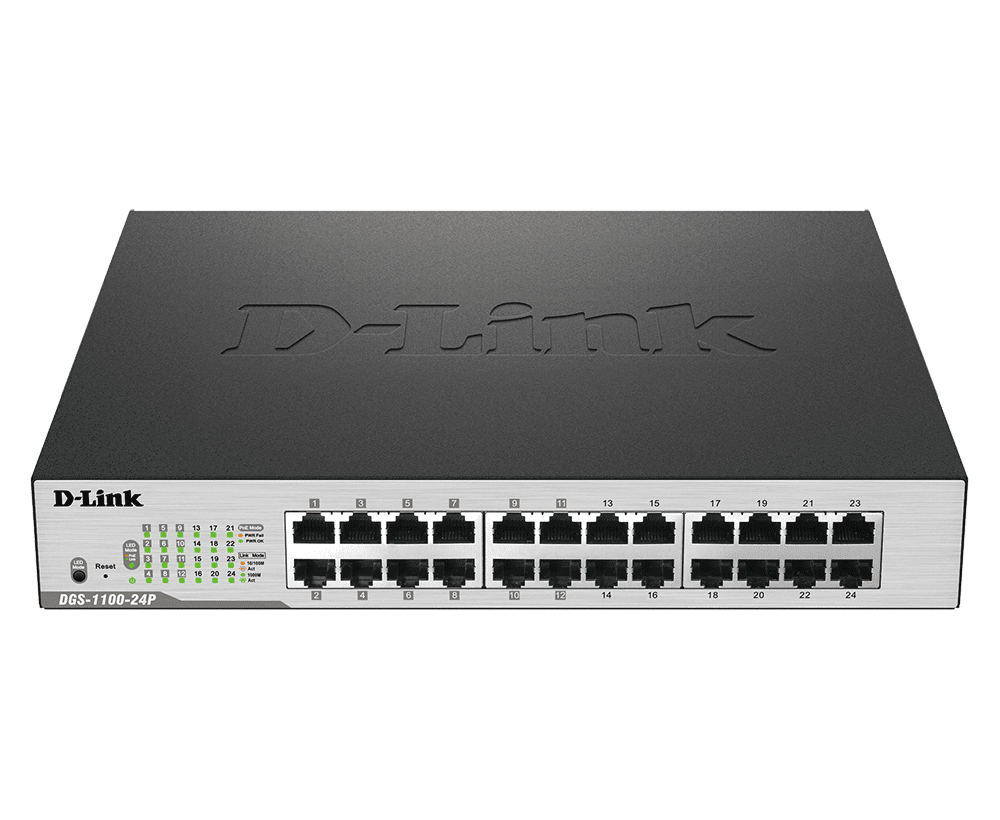
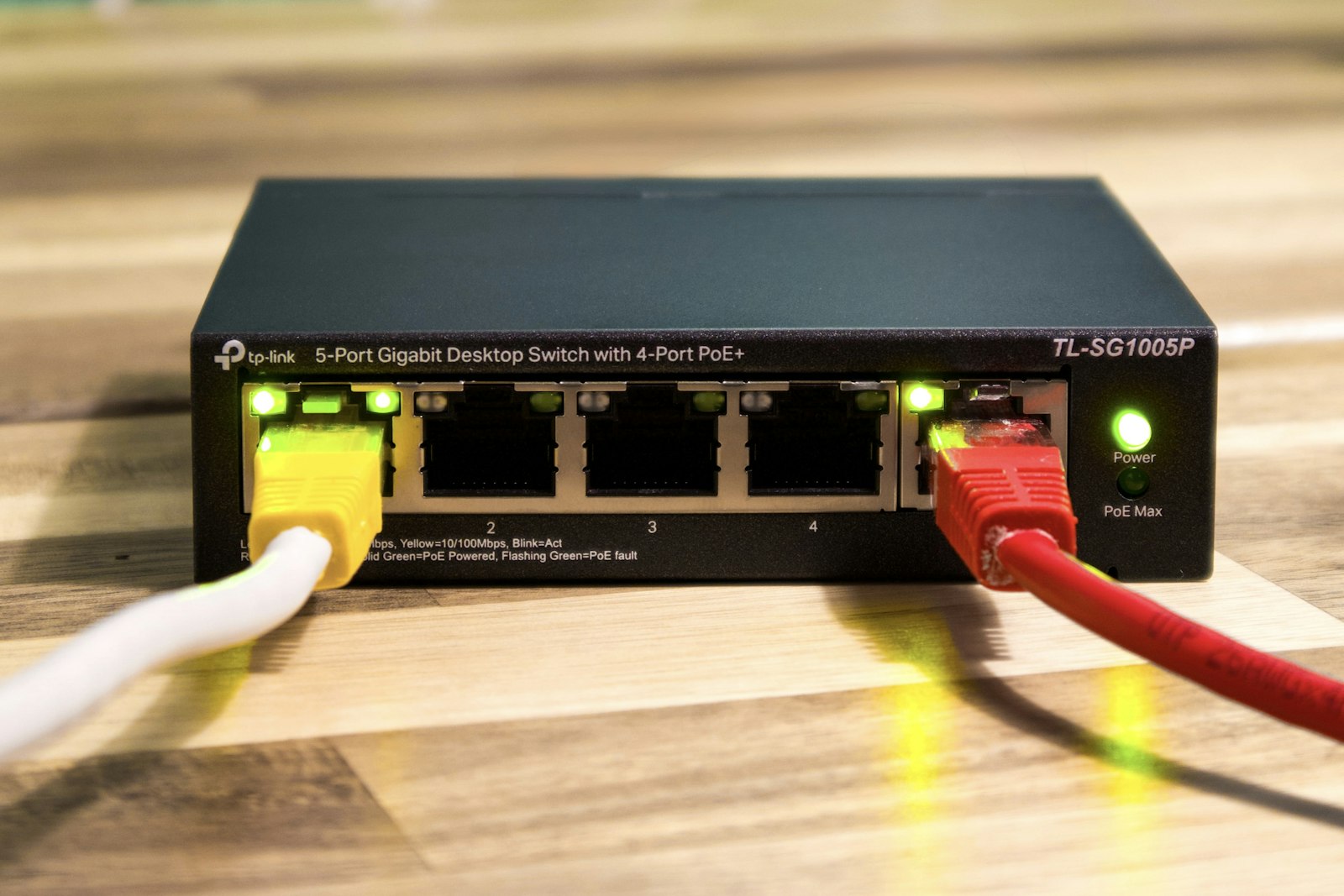
The smart part is Power over Ethernet (PoE): a single Cat6 cable carries both data and power to each access point, so you do not need a power socket and adapter at every ceiling mount. A PoE switch in the server cabinet powers and connects all the APs over their data cables — cleaner, cheaper to install, and easier to back up on a UPS.
Pro tip: As a rough rule of thumb, plan one access point for every 8-12 metres of open-plan space or per enclosed room, and always run the cable for the AP even if you install it later. Pulling cable while ceilings are open costs a fraction of doing it after the office is occupied.
Structured Cabling Components Explained
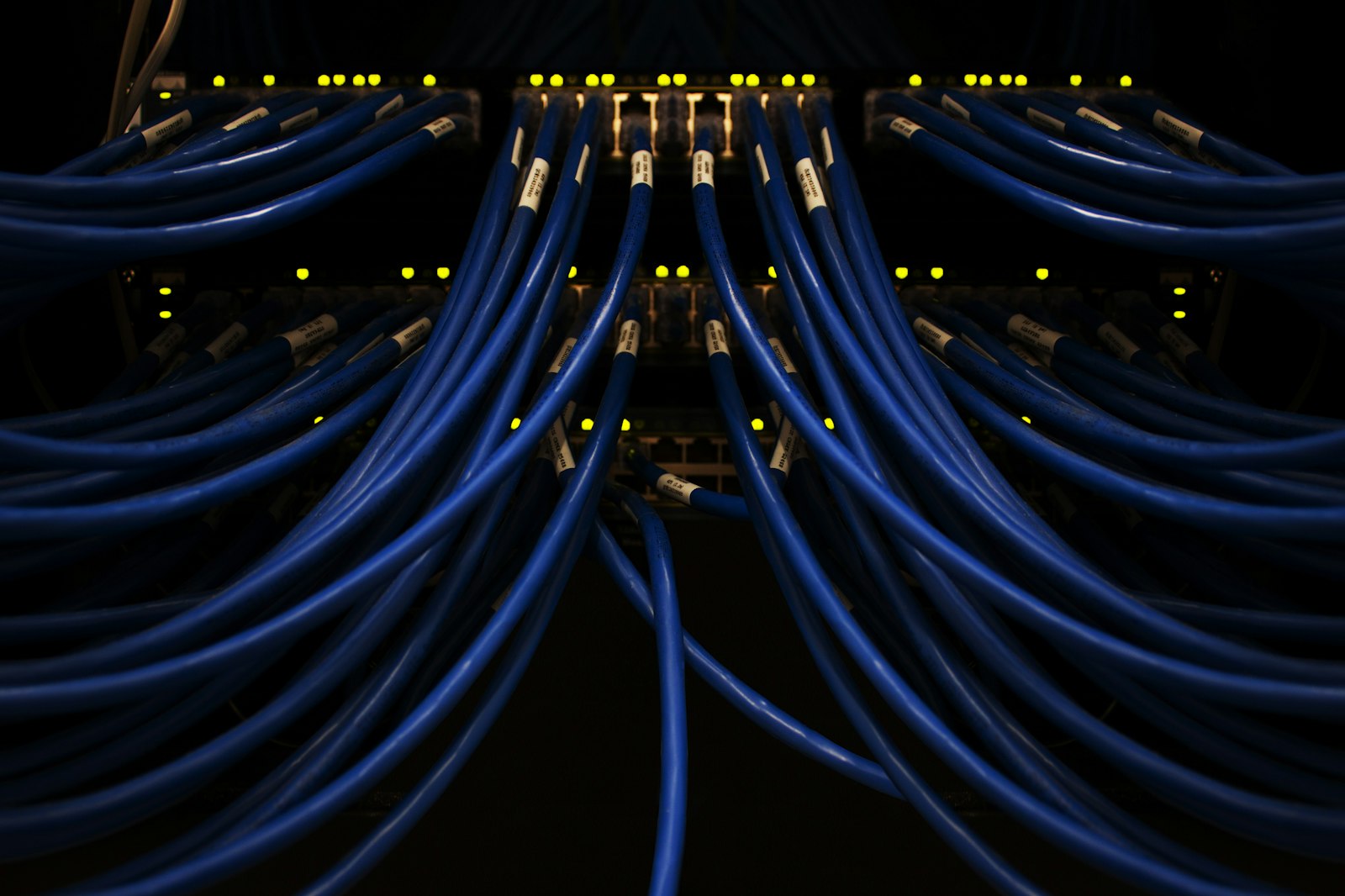
"Structured cabling" simply means a planned, standardised wiring system rather than ad-hoc cables snaking across the floor. The core components are:
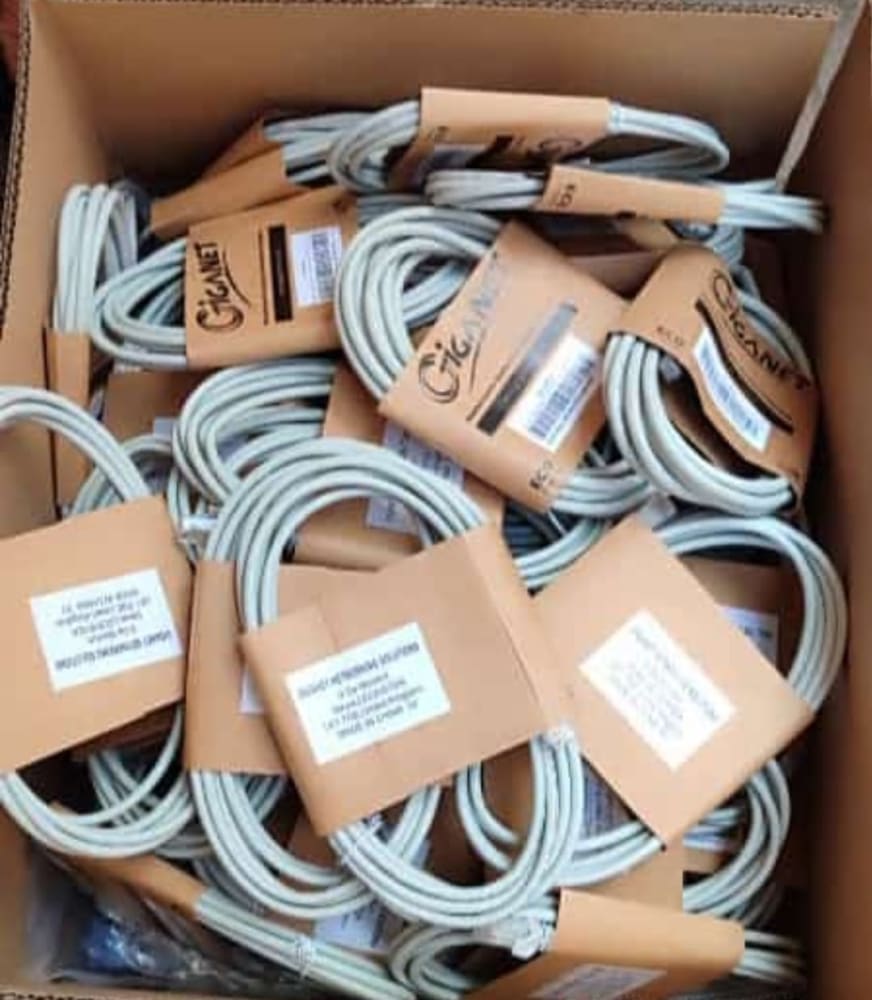
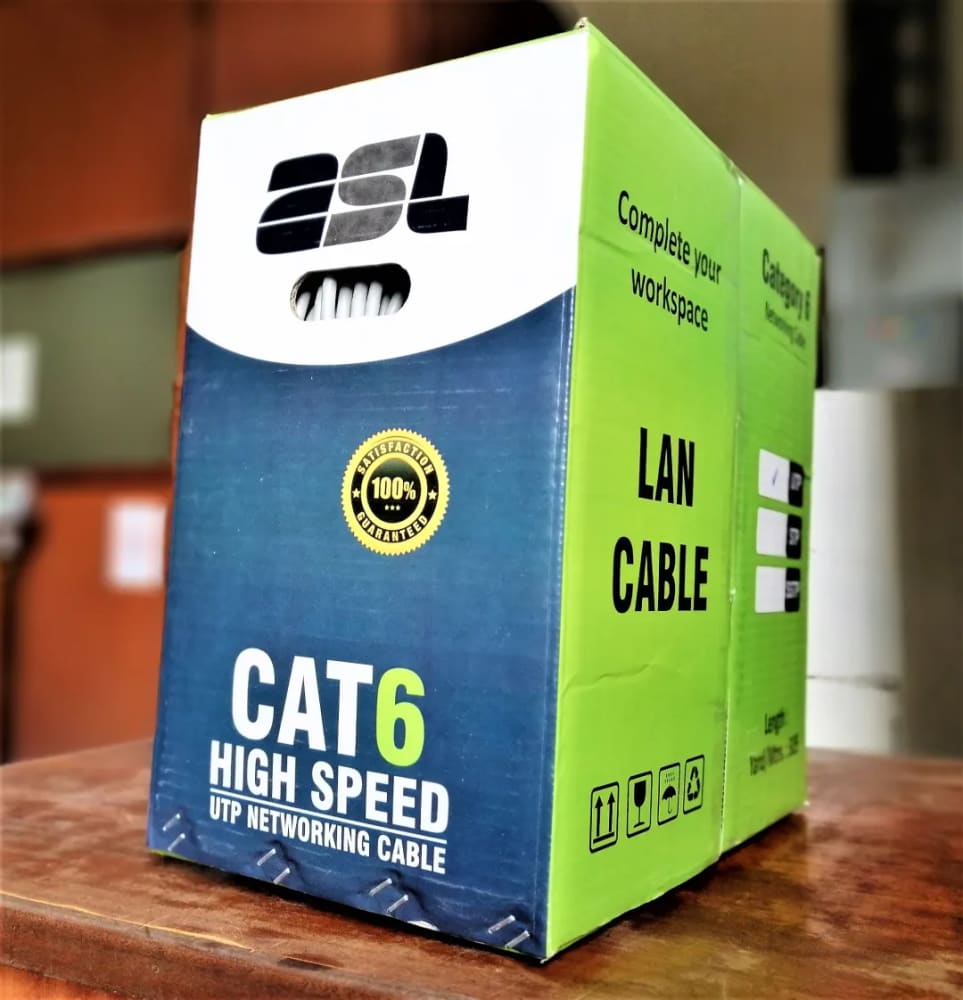
- Cat6 / Cat6a cable — the workhorse twisted-pair cabling. Cat6 comfortably handles 1 Gbps to every desk; Cat6a supports 10 Gbps and longer PoE runs, making it the better choice for backbone links and future-proofing.
- Fiber optic cable — used for high-speed backbone links, connecting buildings or floors, and for runs longer than 90 metres where copper cannot reach.
- Patch panels — the neat termination point in your rack where every cable run ends, labelled and easy to manage.
- Network switches (PoE and non-PoE) — distribute the connection to all ports and APs.
- Wall faceplates and RJ45 keystone jacks — the tidy socket at each desk.
- Server-room rack or wall cabinet — houses the switches, patch panels, router, and UPS in one ventilated, lockable unit.
- Trunking, conduit, and cable trays — protect and route cables out of sight.
Cat6 vs Cat6a vs Fiber — Quick Comparison
| Cabling type | Typical speed | Best use in an office |
|---|---|---|
| Cat6 | 1 Gbps (up to 90m) | Standard desk and AP runs for most SMEs |
| Cat6a | 10 Gbps (up to 90m) | Backbone links, future-proofing, heavy PoE |
| Fiber (OM3/OM4 or single-mode) | 10 Gbps and beyond | Floor-to-floor, building-to-building, long runs |
Typical Structured Cabling & WiFi Price Ranges in Kenya (2026)
Prices vary with building layout, cable quality, brand, and the number of points, so treat the figures below as typical Kenyan market price ranges for 2026 (KES) for general guidance. For current, itemised pricing, check our product pages or contact us for a site-specific quote.
| Item | Typical 2026 price range (KES) | Notes |
|---|---|---|
| Cat6 cable (305m box) | 8,000 - 18,000 | Genuine, fully-copper cable; avoid cheap CCA imitations |
| Cat6a cable (305m box) | 15,000 - 35,000 | For 10G backbone and longer PoE runs |
| Network point (cable + termination + faceplate, per point) | 2,500 - 6,000 | Labour and materials per desk outlet |
| WiFi 6 access point | 9,000 - 35,000 | Ceiling-mount, PoE-powered |
| PoE network switch (8-24 port) | 12,000 - 70,000 | Powers APs and devices over data cable |
| Patch panel (24-port) | 3,500 - 9,000 | Neat rack termination |
| Wall/server rack cabinet (9U-42U) | 12,000 - 90,000 | Lockable, ventilated |
| Fiber link (per metre, installed) | 200 - 600 | Plus terminations and patching |
| Small office network (5-10 points + 1-2 APs, installed) | 60,000 - 180,000 | Indicative turnkey range |
We supply genuine, warranty-backed networking gear and provide expert installation. Browse our products or explore the full networking and WiFi category to see current options.
Planning a Network for SMEs
A well-planned office network in Nairobi or anywhere in Kenya follows a logical sequence. Get these right on paper before any cable is pulled:
- Count your points. One or two network outlets per desk, plus points for printers, IP phones, the server room, and each access point.
- Map coverage. Walk the floor plan and mark where APs are needed for even WiFi, accounting for walls and partitions.
- Locate the rack. Choose a cool, secure, ventilated spot for the cabinet — ideally central, so cable runs stay under the 90-metre copper limit.
- Choose the backbone. Cat6a or fiber between floors and the main switch; Cat6 to desks.
- Size the switch and ISP link. Allow spare ports for growth and confirm your internet plan can carry the office load.
- Plan power and backup. A UPS keeps the router, switch, and APs alive through the short power cuts common across Kenya.
Our team can survey your premises and design the whole system end to end — see our installation services.
Guest vs Business Networks
Never put visitors on the same network as your business systems. A professional setup uses separate SSIDs (network names), typically managed with VLANs on a managed switch:
- Business network — secured with a strong password (and ideally WPA3), reaching servers, shared drives, printers, POS, and internal systems.
- Guest network — internet only, isolated from your business data, often with a bandwidth cap so guests cannot slow down staff.
- IoT / devices network — for CCTV, smart devices, and POS, kept separate for security.
This segmentation protects your data and keeps performance predictable even when the reception area is full of visitors on WiFi.
Sharing Cabling with CCTV, POS, and UPS Backup
One of the biggest advantages of structured cabling is that the same Cat6 infrastructure and PoE switches that run your WiFi can also power IP CCTV cameras, IP phones, and access-control readers. Planning these together saves money and avoids tearing open ceilings twice.
If you are also installing surveillance, read our companion guide on CCTV installation cost in Kenya so the network and cameras share a single, clean cabling plan. The same logic applies to biometric access control and time-attendance systems, which all ride on the office network.
Finally, protect everything with backup power. A solar or UPS-backed power plan keeps your router, switch, APs, and cameras running during outages so your business stays connected. Have questions about your specific layout? Contact us for tailored advice.
Frequently Asked Questions
How much does it cost to set up office WiFi in Kenya in 2026?
A small office with 5-10 network points and one or two access points typically falls in the 60,000-180,000 KES range installed, depending on cable type, brand, and building layout. Larger offices cost more. These are general market ranges — contact us for an accurate, site-specific quote.
Is Cat6 enough or do I need Cat6a?
Cat6 is enough for most SMEs running 1 Gbps to each desk. Choose Cat6a for backbone links, longer PoE runs to access points, or if you want to future-proof for 10 Gbps speeds.
Why use access points instead of just adding more routers?
Multiple routers create competing networks and require manual switching between them. Access points work as one seamless network with automatic roaming, central management, and PoE power over a single cable.
Can the same cabling power my CCTV cameras?
Yes. PoE switches and Cat6 cabling can power IP cameras, IP phones, and access-control readers alongside your WiFi access points, which is why planning network and CCTV together saves money.
Do I need a UPS for my office network?
Strongly recommended. A UPS keeps your router, switch, and access points online through the short power cuts common across Kenya, preventing dropped connections and protecting equipment from power surges.
Ready to build a fast, reliable office network that scales with your business? Talk to Giga Team Solutions for a free site survey and an honest quote. Call or WhatsApp us on +254 718 811661, email sales@gigateamsolutions.com, or browse genuine, warranty-backed equipment. We supply and install across Nairobi and deliver countrywide, with payment on delivery after we confirm your order.