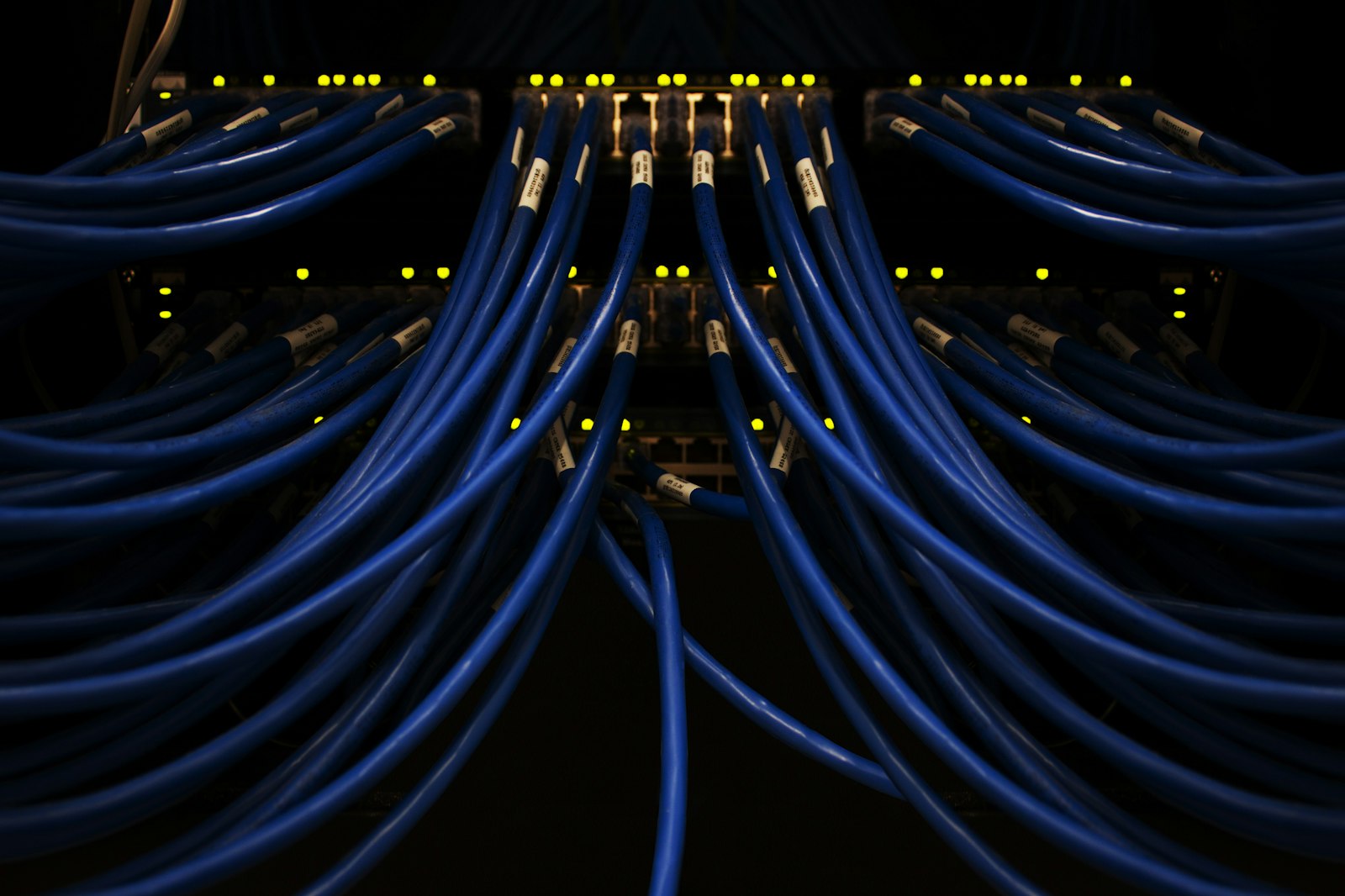
Network Switches & PoE Buying Guide Kenya 2026
Network switches and PoE buying guide for Kenya 2026: unmanaged vs managed, PoE wattage for CCTV and WiFi, port counts, and typical KES price ranges.
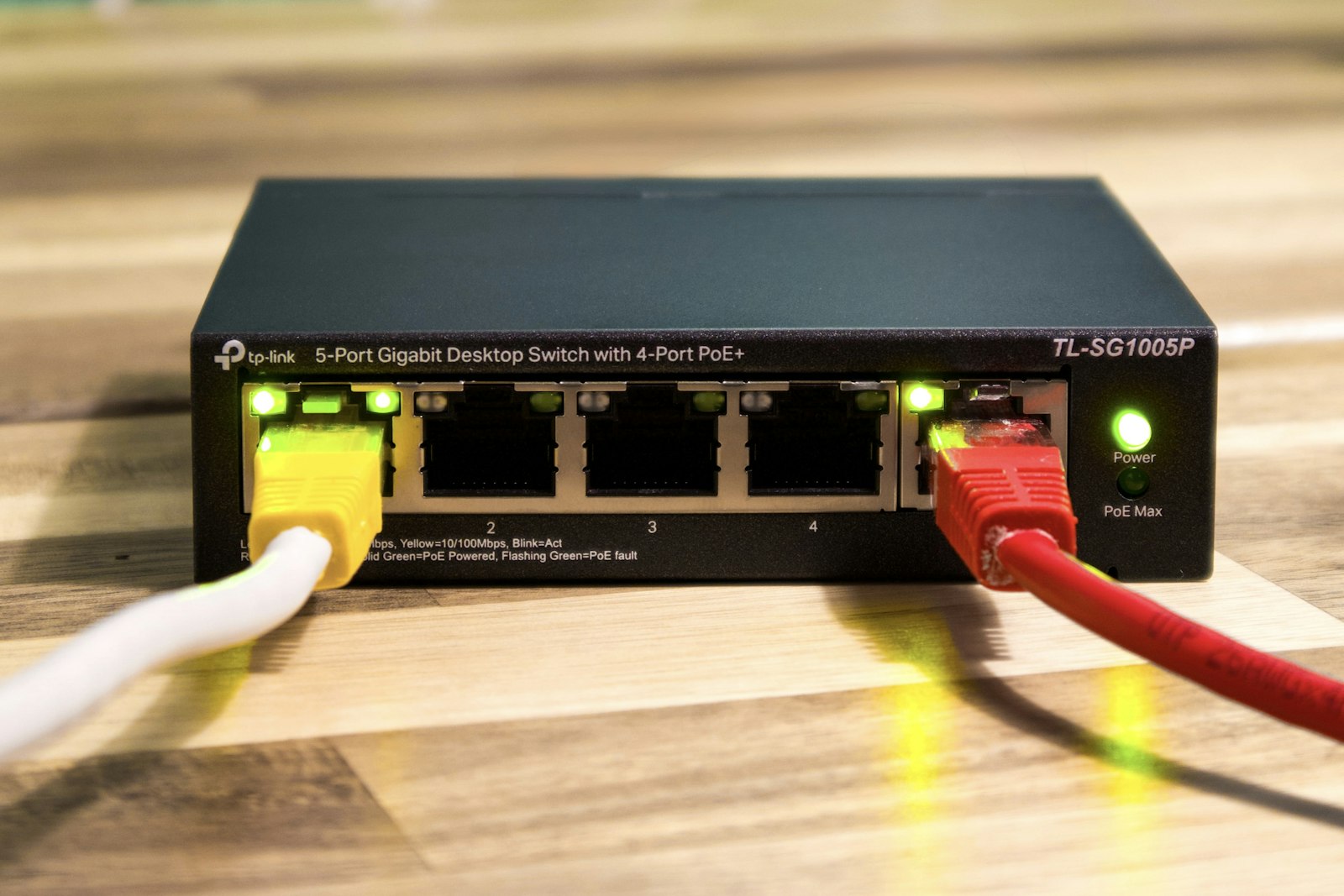
If you are setting up IP cameras, WiFi access points, or simply connecting a few computers and a POS terminal, the right network switch is the quiet backbone that makes everything work. This network switches and PoE buying guide for Kenya 2026 explains the differences between unmanaged, managed and PoE switches, how Power over Ethernet drastically simplifies CCTV cabling, how to size port counts and wattage, and the typical Kenyan market price ranges (KES) you can expect. Whether you are wiring a small Nairobi home or a multi-floor office countrywide, this guide will help you buy the correct switch the first time.
What a Network Switch Actually Does
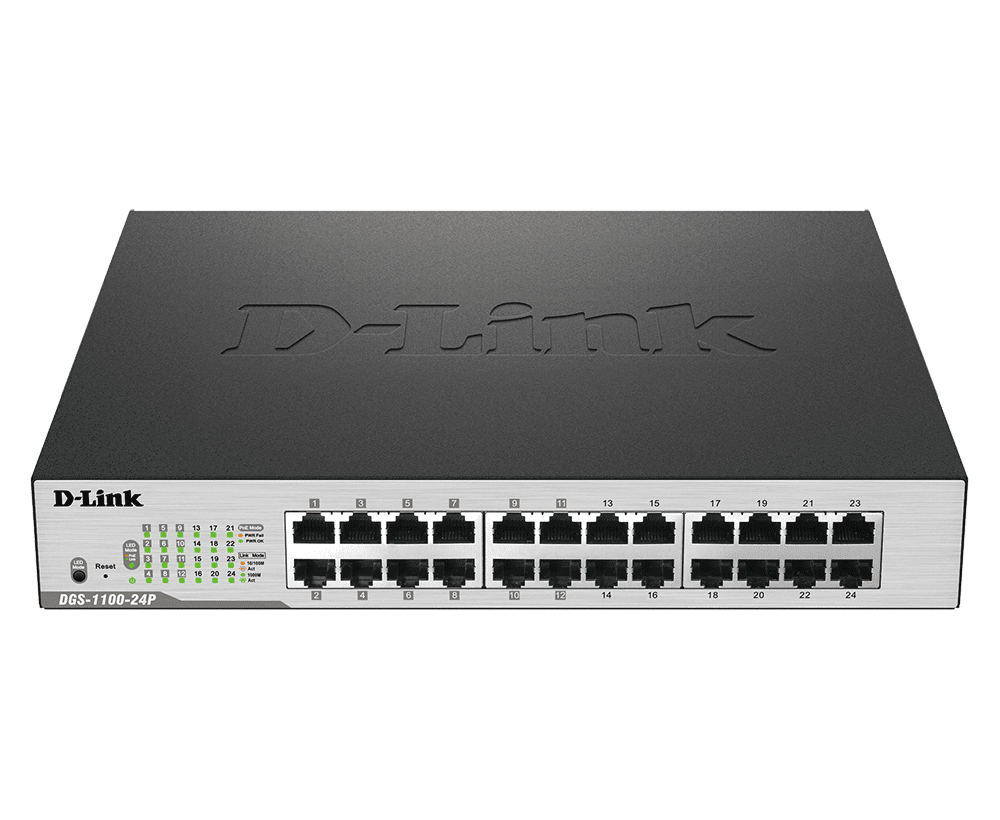
A network switch is the device that connects multiple wired devices — computers, IP cameras, access points, POS machines, network video recorders (NVRs) and printers — into one local network so they can talk to each other and reach the internet through your router. Think of it as a smart multi-socket extension for your data network: every device plugs into a port, and the switch intelligently forwards traffic only to where it needs to go.
Your home router usually has only 3-4 LAN ports. The moment you add several cameras or more than a handful of devices, you run out. A switch expands that capacity from a single router port into 5, 8, 16, 24 or even 48 connections. For any serious CCTV installation in Kenya or office network, a dedicated switch is not optional — it is the foundation.
Unmanaged vs Managed Switches: Which Do You Need?
The first decision is whether you need an unmanaged or a managed switch. The difference is control, not just speed.
Unmanaged Switches
Plug-and-play. No configuration, no login, no software. You connect the cables and it works. Unmanaged switches are perfect for homes, small shops, small CCTV setups and any situation where you simply need more ports. They are affordable, reliable and require zero technical skill.
Managed Switches
These give you a web or app interface to configure the network. You can create VLANs (separate virtual networks so your CCTV traffic is isolated from office or guest WiFi traffic), prioritise certain traffic (QoS), monitor port activity, set up link aggregation, and remotely reboot PoE ports. Managed switches matter for larger offices, estates, schools, hotels and any environment where security, segmentation and uptime are priorities.
Smart / Lightly-Managed Switches
A middle tier exists: "smart" or "web-managed" switches offer essential features like VLANs and basic monitoring at a lower price than fully managed enterprise gear. For most growing Kenyan SMEs, a smart switch is the sweet spot.
Pro tip: For mixed environments, isolate your cameras on their own VLAN using a managed or smart PoE switch. If a camera or recorder is ever compromised, the attacker cannot jump onto the network where your finance computers and POS terminals live. This single decision dramatically improves your security posture.
What Is PoE — and Why It Changes Everything for CCTV
Power over Ethernet (PoE) lets a switch deliver both data and electrical power over a single Ethernet cable. Instead of running a separate power supply and socket to every camera or access point, one Cat5e/Cat6 cable does both jobs.
For CCTV this is transformative. A PoE camera mounted on a wall, gate, or roofline needs only one cable back to the PoE switch or PoE NVR — no electrician needed at the camera location, no power adapter dangling in the rain, no extra conduit. It cuts cabling cost, speeds up installation, and makes the system tidier and more reliable. The same applies to wireless access points mounted on ceilings and to IP intercoms.
PoE Standards and Wattage
Not all PoE is equal. The wattage a switch can deliver per port determines what devices it can power:
- PoE (802.3af) — up to ~15.4W per port. Enough for most standard IP bullet/dome cameras and basic access points.
- PoE+ (802.3at) — up to ~30W per port. Needed for PTZ (pan-tilt-zoom) cameras, cameras with heaters or strong IR illuminators, and higher-power WiFi 6 access points.
- PoE++ (802.3bt) — up to ~60-90W per port. For demanding devices like high-end PTZ domes, video phones, or multi-radio access points.
Just as important as per-port wattage is the switch's total power budget. An 8-port PoE switch might support up to 30W per port but only have a 65W total budget — meaning you cannot run eight 30W cameras at once. Always add up the wattage of all your devices and choose a switch whose total budget comfortably exceeds it, ideally with 20-30% headroom.
How Many Ports Do You Need?
Count your devices, then add room to grow. A common mistake is buying an 8-port switch for exactly 8 cameras, leaving no port for the NVR, router uplink or a future camera.
- Small home / 2-4 cameras: a 4-port or 8-port PoE switch.
- Larger home / small shop / 5-8 cameras: an 8-port or 16-port PoE switch (remember one port for the uplink).
- Office / retail / 8-16 devices: a 16-port or 24-port switch, managed or smart.
- Estate, school, hotel / 16+ devices: 24-port or 48-port managed switches, often stacked.
Also note port speed. Most cameras stream fine on 10/100 Mbps (Fast Ethernet), but for computers, file servers, NAS, NVRs pulling many high-resolution streams, and futureproofing, choose Gigabit (10/100/1000) ports. Gigabit is now the practical default for offices.
Typical Network Switch & PoE Prices in Kenya (2026)
The figures below are typical Kenyan market price ranges for general guidance in 2026. Actual cost depends on brand, PoE budget, gigabit vs fast ethernet, and management features. For current pricing on genuine, warranty-backed switches, check our products or contact us.
| Switch type | Ports | PoE? | Typical price range (KES, 2026) |
|---|---|---|---|
| Unmanaged (Fast Ethernet) | 5-8 | No | 1,500 - 4,500 |
| Unmanaged Gigabit | 5-8 | No | 3,500 - 9,000 |
| Unmanaged PoE | 4-8 | Yes (PoE/PoE+) | 6,000 - 18,000 |
| Unmanaged PoE Gigabit | 8-16 | Yes (PoE+) | 15,000 - 38,000 |
| Smart / web-managed PoE | 16-24 | Yes (PoE+) | 28,000 - 70,000 |
| Fully managed Gigabit PoE | 24-48 | Yes (PoE+/PoE++) | 55,000 - 180,000+ |
When budgeting for a camera system, pair these switch costs with the camera and recorder costs in our CCTV camera prices Kenya 2026 guide so you size the PoE budget correctly from the start.
Choosing for Home vs Office
For the Home
Most homes are well served by an affordable 8-port unmanaged PoE switch. It powers a few cameras and a couple of access points without any setup. Prioritise quiet, fanless models for indoor placement and make sure the PoE budget covers all your cameras plus a little spare.
For the Office and Estates
Offices benefit from gigabit speed, a managed or smart switch for VLAN segmentation, and adequate port density. Separate your CCTV, staff, guest WiFi, and VoIP/access-control traffic onto different VLANs. For multi-building sites and apartments, plan uplinks and consider switches in a rack with proper ventilation. If you are also rolling out door access, our guide on biometric access control in Kenya explains how those readers ride on the same network.
Cabling, Placement and Power Protection
A switch is only as good as the cabling and power behind it. A few essentials:
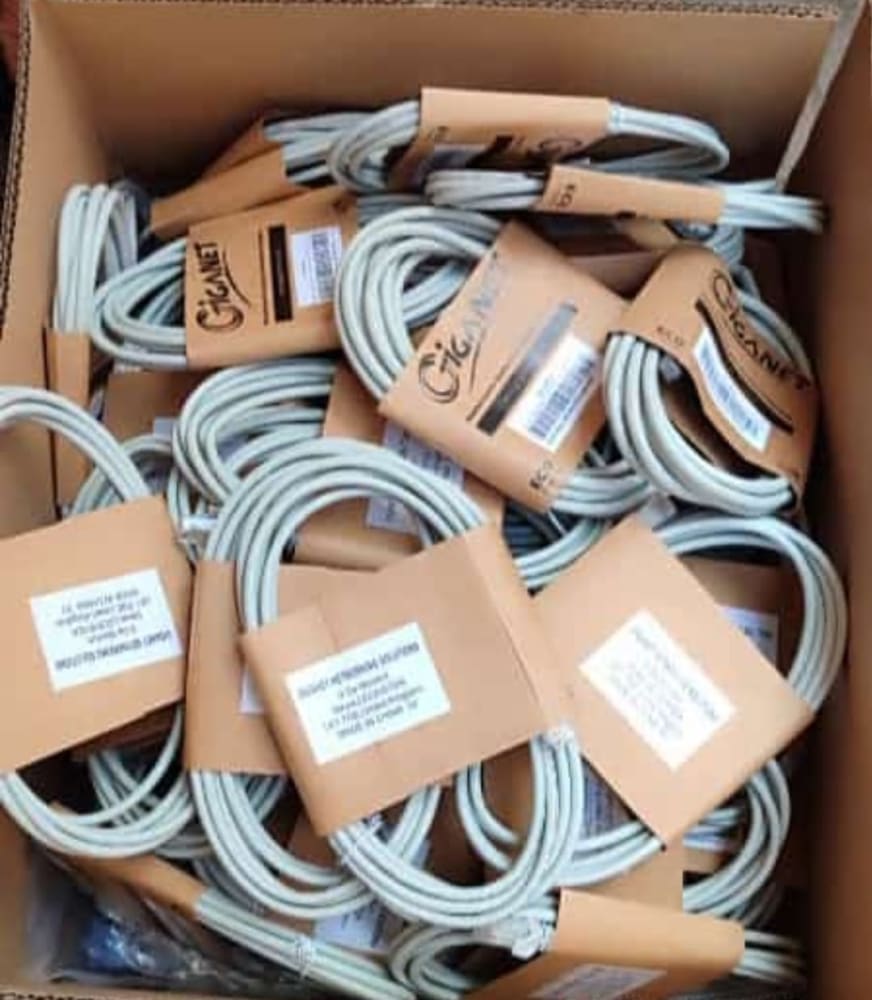
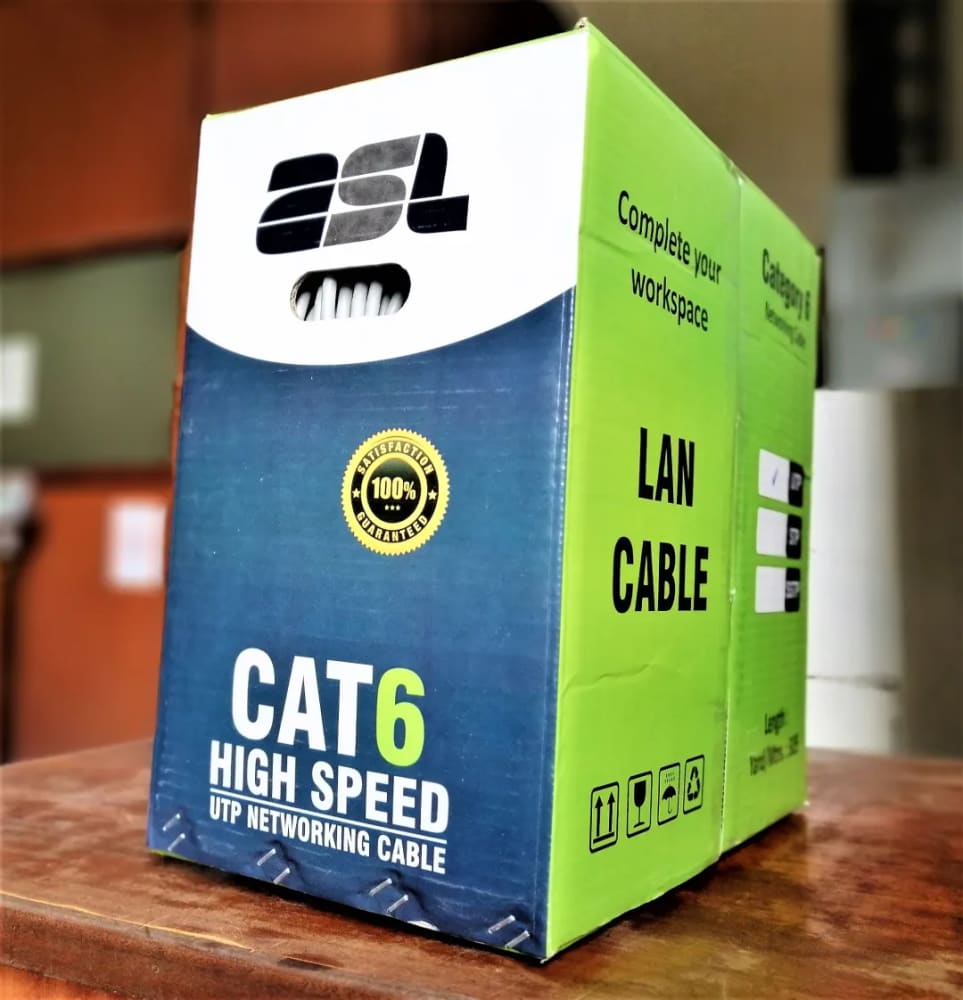
- Use quality Cat5e or Cat6 cable. PoE over a single cable is reliable up to about 100 metres; beyond that, use a PoE extender or a fibre uplink between switches.
- Mount switches in a ventilated, dust-free location — a small cabinet or rack — away from water and direct sun.
- Protect every switch with a UPS and surge protection. In areas with unstable power or lightning, surge protection on outdoor camera lines prevents costly damage.
- Label your cables. It saves hours during maintenance and expansion.
Our technicians handle structured cabling, switch configuration, VLAN setup and PoE camera commissioning as part of our installation services, with countrywide delivery across Kenya.
Common Mistakes to Avoid
- Ignoring the total PoE budget — buying a switch that can't power all devices simultaneously.
- Buying exactly enough ports — always leave room for the uplink and future growth.
- Choosing Fast Ethernet for an office — gigabit is the modern standard for computers and NVRs.
- Cheap, no-warranty grey-market switches — they fail early and lack support. Always buy genuine, warranty-backed equipment.
- No surge or UPS protection — one storm can take down an unprotected switch and everything it powers.
Frequently Asked Questions
Can I power my CCTV cameras directly from a PoE switch?
Yes. If your cameras are IP (network) cameras that support PoE, a PoE switch powers and connects them over a single cable. Confirm the camera's wattage and that the switch's per-port and total PoE budget can cover all cameras at once.
Do I need a managed switch for a home?
Usually not. A plug-and-play unmanaged PoE switch is ideal for most homes and small shops. Managed or smart switches become worthwhile when you need VLAN segmentation, traffic prioritisation, or remote monitoring in larger offices and estates.
What is the difference between PoE and PoE+?
PoE (802.3af) delivers up to about 15.4W per port — fine for standard cameras and basic access points. PoE+ (802.3at) delivers up to about 30W per port, which you need for PTZ cameras, heaters, IR illuminators and higher-power WiFi access points.
How far can a PoE cable run?
Standard PoE works reliably over Cat5e/Cat6 up to roughly 100 metres. For longer distances, use a PoE extender, a second switch, or a fibre uplink between switches.
How are prices and payment handled?
The prices above are typical 2026 Kenyan market ranges for guidance only. You order online, we confirm by call or WhatsApp, and you pay on delivery — we do not take card or M-Pesa payment on the website. Always check current pricing on our product pages.
Ready to build a clean, reliable network? Browse our networking and WiFi equipment, explore genuine, warranty-backed equipment, or talk to our team about sizing the right switch and PoE budget for your cameras and office. Call or WhatsApp us on +254 718 811661, or contact us for a free recommendation and countrywide delivery across Kenya.