
CCTV Cameras
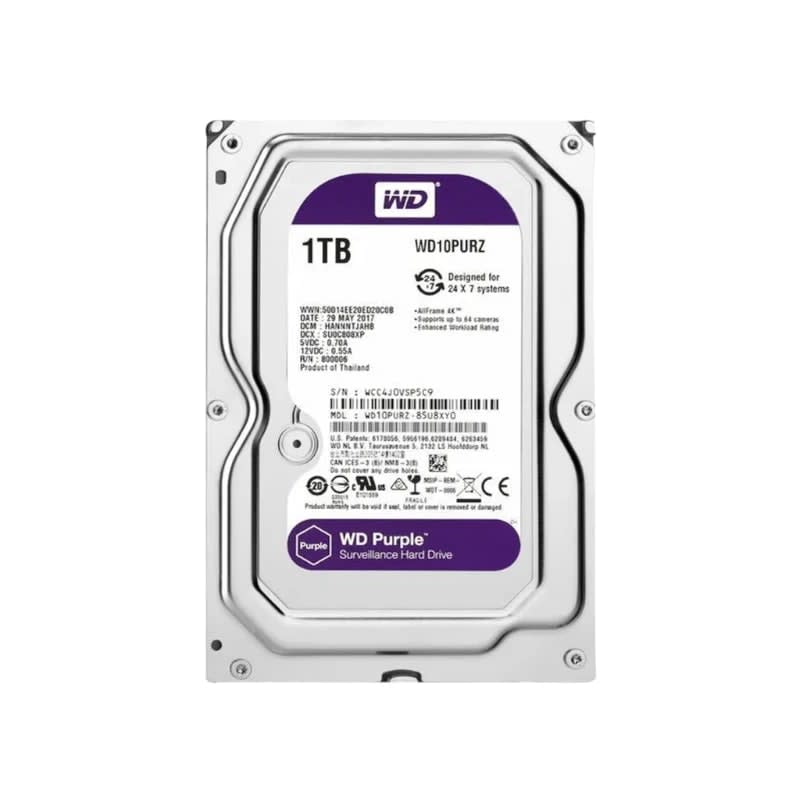
1 tb wd hdd
KSh 5,300
KSh 300 delivery anywhere in Kenya · Cash on delivery
Enter your cameras, resolution and compression in the calculator below to estimate how many days of footage a hard disk holds. Below we explain each setting, show the maths and give worked figures for 1 TB, 4 TB and 8 TB disks.
By Giga Team Solutions · Updated · 8 min read
Estimate using 2 Mbps per camera (2MP, H.265) and 930 GB usable per TB. Real bitrates change with the scene, night-time noise and camera settings.
The question we get most often at the counter after "which camera?" is "how many days does a 1TB hard disk record CCTV?" The honest answer is that it depends on five or six settings, and two systems with the same number of cameras can differ by a factor of four. The calculator above does the arithmetic for you. This page explains what each setting does, shows the formula so you can check any figure yourself, and gives worked examples for the disk sizes we sell.
Every CCTV camera sends a stream of video measured in megabits per second (Mbps). That figure is the bitrate. Once you know the total bitrate of all your cameras, the storage maths is simple:
One more correction: a disk sold as 1 TB shows up as roughly 930 GB once the recorder formats it, because manufacturers count in thousands and recorders count in 1,024s. We use 930 GB per nominal terabyte in every figure below. The recorder also keeps a little space for its own index, so treat results as slightly optimistic.
Worked example: four 2MP cameras on H.265 at about 2 Mbps each give 8 Mbps total. 8 × 10.8 = 86.4 GB per day. A 1 TB disk holds 930 ÷ 86.4 = about 10.8 days.
Storage scales directly with camera count. Double the cameras at the same settings and you halve the days. If you are still deciding how many cameras you need, see how many cameras a Nairobi shop needs.
2MP (1080p) is the most common camera in Kenyan homes and shops. 4MP gives more detail for faces and number plates at a distance. 8MP (4K) is used where one camera has to cover a large yard or car park. More pixels means more data: a 4MP stream needs roughly twice the bitrate of a 2MP stream for similar quality, and 8MP roughly four times.
Compression is the biggest single lever. H.265 needs roughly half the bitrate of H.264 for similar picture quality. Hikvision's H.265+ (Dahua calls its version H.265 Smart Codec) goes further by recording the static background less often; on a quiet scene such as an empty corridor at night it can cut storage substantially again, but on a busy scene the saving is much smaller. If your cameras and recorder both support H.265, use it. Check that the phone app and the computer you export clips to can play H.265 files.
Cameras let you set the bitrate yourself, either as a constant figure (CBR) or a variable one with a ceiling (VBR). With VBR, a still scene uses far less than the ceiling, while trees moving in the wind, rain or a busy shop floor push it up. Night-time infrared images often have more noise and can raise the bitrate. This is why the same setup gives different results on different sites, and why every number on this page is an estimate.
Continuous (24/7) recording writes all day. Motion or event recording only writes when something moves, plus a few seconds before and after. If a camera sees movement for about a third of the day, it uses about a third of the storage. The catch: a camera facing a road, swaying trees or a flickering light triggers constantly and saves little. For an office that is empty at night, motion recording can stretch a disk a long way. For a busy shop floor, plan on continuous.
Most cameras default to 20 or 25 frames per second. Dropping to 12 or 15 fps reduces storage, although with modern compression the saving is less than the drop in frames suggests. For security footage 12 to 15 fps is usually enough; keep the full frame rate on tills and gates where you need to catch quick hand movements.
These assume continuous recording and typical main-stream bitrates we use as starting points: 2MP at 2 Mbps (H.265) or 4 Mbps (H.264), 4MP at 4 Mbps (H.265) or 8 Mbps (H.264), 8MP at 8 Mbps (H.265). Real bitrates vary by scene, camera model and settings, so read these as estimates, not promises.
| Setup | Total bitrate | GB per day | 1 TB | 4 TB | 8 TB |
|---|---|---|---|---|---|
| 4 × 2MP, H.265 | 8 Mbps | 86 | about 11 days | about 43 days | about 86 days |
| 4 × 2MP, H.264 | 16 Mbps | 173 | about 5 days | about 21 days | about 43 days |
| 8 × 2MP, H.265 | 16 Mbps | 173 | about 5 days | about 21 days | about 43 days |
| 8 × 4MP, H.265 | 32 Mbps | 346 | under 3 days | about 11 days | about 21 days |
| 8 × 4MP, H.264 | 64 Mbps | 691 | about 1 day | about 5 days | about 11 days |
| 16 × 4MP, H.265 | 64 Mbps | 691 | about 1 day | about 5 days | about 11 days |
| 4 × 8MP, H.265 | 32 Mbps | 346 | under 3 days | about 11 days | about 21 days |
To check a row: 16 × 4MP at 4 Mbps is 64 Mbps. 64 × 10.8 = 691 GB per day. A 4 TB disk gives 4 × 930 = 3,720 GB, and 3,720 ÷ 691 = 5.4 days.
Switching the same 8 × 2MP system to motion recording, with movement for roughly 30% of the day, would use about 52 GB per day, which stretches a 4 TB disk from about 21 days to roughly 70. That is a rough guide only, because "30% motion" is a guess you can only confirm by watching how fast your own disk fills.
For most homes and shops, two to four weeks is a sensible target. Theft from a store or a dispute with a customer is often noticed days later, and you need the footage still on the disk when you go looking. Keeping footage much longer than you need also means more personal data to look after; our guide to CCTV and the Data Protection Act in Kenya covers retention and who should have access.
A quick way to plan: work out the GB per day with the calculator above, multiply by the number of days you want, then add about 10% headroom. If the answer lands between two sizes, go up. Disks are cheaper than missing the one clip you needed.
A CCTV recorder writes to its disk 24 hours a day, every day, often from 8 or 16 streams at once. A desktop hard disk is designed for a computer that reads and writes in short bursts and is often switched off at night. Surveillance-grade lines, such as WD Purple or Seagate SkyHawk, are built and rated for continuous writing and multiple simultaneous streams, and their firmware favours keeping the recording going over pausing to retry a bad read. A desktop disk will work in an NVR, but on round-the-clock duty it is more likely to give recording gaps or fail early.
When you buy, ask which line the disk is. Avoid second-hand or "pulled" disks for CCTV, since you cannot know how many hours they have run. Our post on genuine versus counterfeit security equipment has tips on checking what you are actually getting.
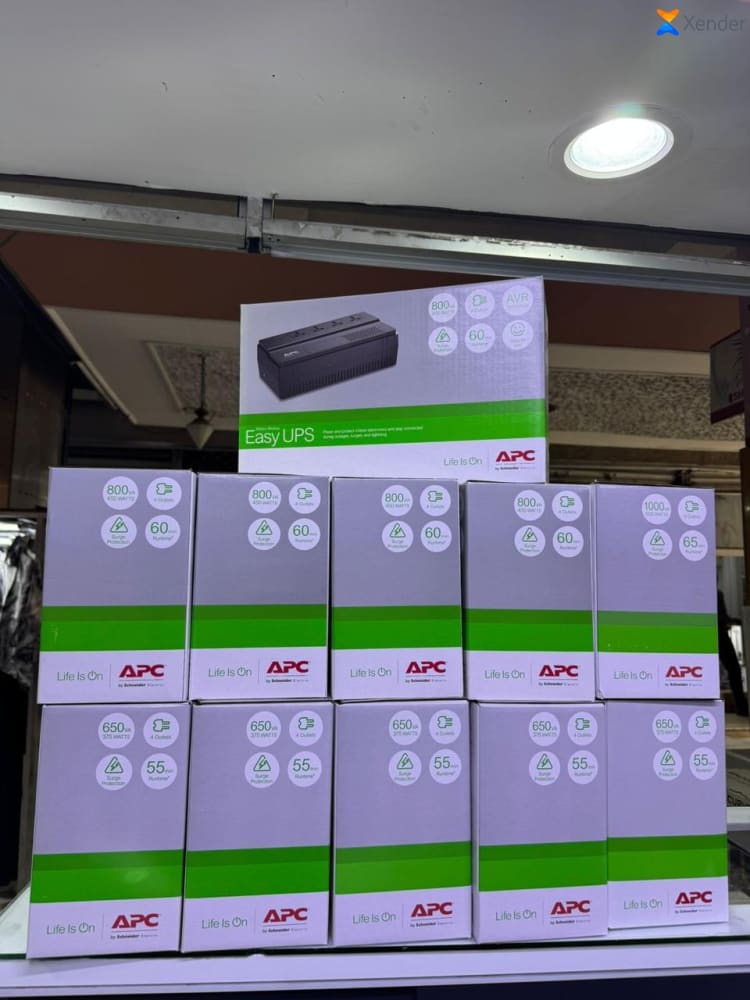
Power matters as much as the disk. A KPLC outage in the middle of a write can corrupt the recording or damage the disk over time. A small UPS such as the 650VA UPS (KSh 8,000) on the recorder lets it ride through short outages; see UPS backup power for CCTV for sizing.
| Product | Price | Suits |
|---|---|---|
| 1 TB WD hard disk | KSh 5,300 | Home or small shop, up to about 4 × 2MP cameras on H.265 |
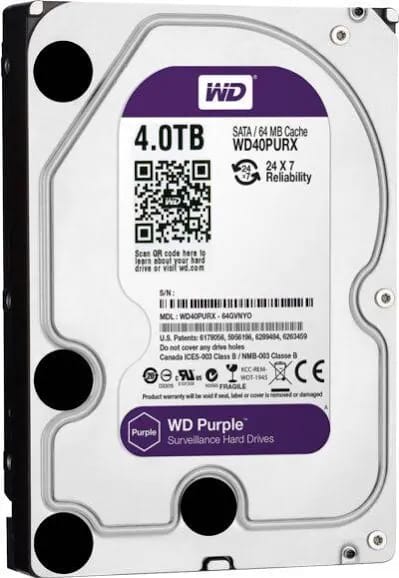
| 4 TB hard disk | KSh 14,000 | 8 × 2MP systems, or a few 4MP cameras, for two to six weeks |
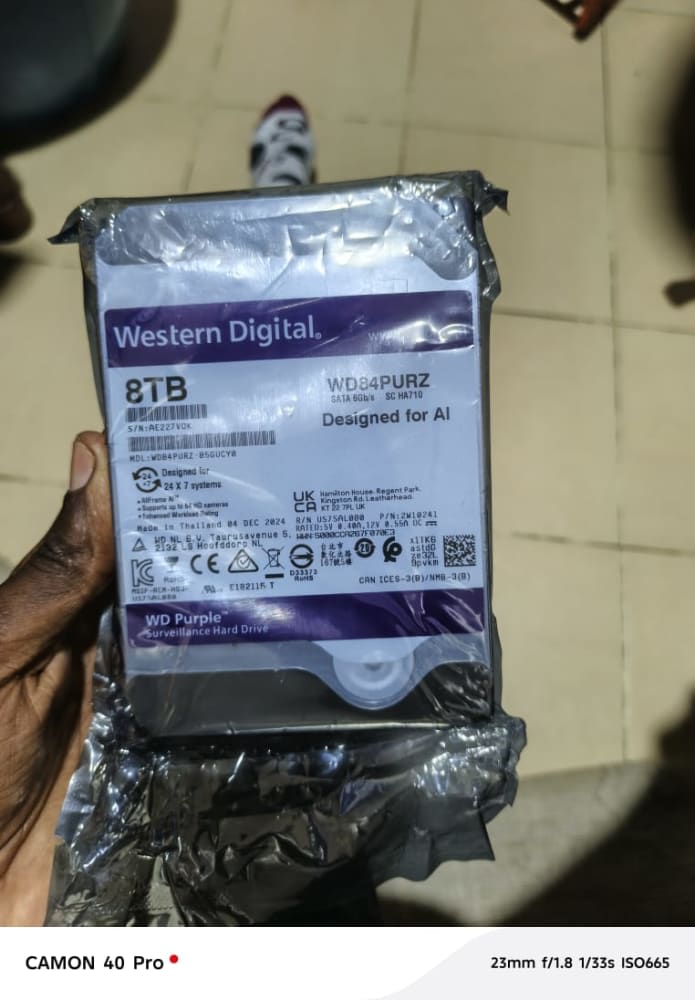
| 8 TB WD hard disk | KSh 35,000 | Larger 4MP or 8MP systems, or longer retention |
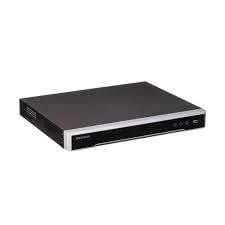
| 16-channel Hikvision NVR (DS-7616NI-Q2/16P) | KSh 26,000 | Up to 16 IP cameras with built-in PoE ports |
The 16-channel NVR has two drive bays (the "Q2" in the model name), so you can fit two disks and it records across both before overwriting the oldest footage. Check the datasheet for the maximum size per bay before buying very large disks. Its 16 PoE ports power the cameras over the network cable, so there is no separate power supply at each camera.
A typical small home setup is four 2MP cameras on H.265 with a 1 TB disk, which by the table above gives around 11 days. Move to the 4 TB disk and the same cameras keep about six weeks.
If you would like us to check your figures, send your camera models and current settings on WhatsApp at +254 718 811 661. We deliver anywhere in Kenya for a flat KSh 300 with cash on delivery, and install in Nairobi. For the bigger picture, read CCTV installation cost in Kenya or browse CCTV and surveillance.
About 11 days for four 2MP cameras on H.265 recording 24/7, and about 5 days for the same cameras on H.264. Real results vary with scene, bitrate and settings, so use the calculator above with your own numbers.
Add up the bitrate of all cameras in Mbps and multiply by 10.8 to get GB per day. Divide the usable disk space (about 930 GB per terabyte) by that figure to get days of recording.
Yes, H.265 typically needs roughly half the bitrate of H.264 for similar quality, so the same disk holds about twice as many days. H.265+ can save more on quiet scenes.
It will work, but desktop disks are not designed for 24/7 writing from many streams and are more likely to fail early. A surveillance-grade disk is the safer choice.
By default most recorders overwrite the oldest footage and keep recording. Check that overwrite is switched on, otherwise recording stops when the disk fills.
CCTV Cameras
KSh 5,300
CCTV Cameras
KSh 14,000
CCTV Cameras
KSh 35,000
CCTV Cameras
KSh 26,000
Access Control Systems
KSh 8,000