Common CCTV Problems & How to Fix Them in Kenya (2026)
A practical 2026 guide to common CCTV problems and how to fix them in Kenya: black screen, no night vision, offline cameras, DVR not recording, remote viewing and power issues.

If your cameras have suddenly gone dark, stopped recording or vanished from your phone app, you are not alone — these are the most common CCTV problems and how to fix them in Kenya is one of the questions we field every single week. The good news is that the majority of CCTV faults in Kenyan homes, shops and offices come down to a handful of repeatable causes: power, cabling, storage, network settings and dirty lenses. This 2026 troubleshooting guide walks you through each common problem step by step, shows you the likely cause and the fix, and explains exactly when to stop and call a technician before you make things worse.
Before You Start: A Safe Troubleshooting Routine
CCTV systems mix mains electricity, low-voltage power, data cabling and a recorder, so a calm, ordered approach saves time and prevents damage. Work from the simplest, cheapest checks toward the more technical ones. In almost every case you should:
- Check that the DVR/NVR and the power supply are actually powered on (look for LEDs).
- Confirm the issue affects one camera or all cameras — that single fact narrows the cause dramatically.
- Reboot the recorder by switching it off at the socket, waiting 30 seconds, then powering back on.
- Inspect cables and connectors for corrosion, rodent damage, water ingress or loose plugs.
Pro tip: If only one camera is faulty, the problem is almost always that camera, its cable or its channel. If every camera misbehaves at once, suspect the power supply, the recorder or the network — not the cameras themselves. This single test will save you hours.
If you are still at the planning stage or replacing an ageing kit, our guides on how to choose a CCTV camera in Kenya and realistic CCTV installation costs in Kenya will help you buy a system that is far less prone to these faults in the first place.
Problem 1: Black Screen or "No Signal" / "Video Loss"
A black screen, a blue screen, or a "VIDEO LOSS / NO SIGNAL" message on one or more channels is the single most reported CCTV fault. It almost always points to power or cabling rather than a dead camera.
Likely causes and fixes
- Power supply failure: A failed 12V adaptor or a tripped power box kills cameras instantly. Test the output voltage with a multimeter; many "dead camera" calls are simply a cheap power brick that has burnt out.
- Loose or corroded BNC/RJ45 connector: Re-seat the plug at both the camera and the recorder. In coastal and humid areas, corrosion on outdoor joints is extremely common.
- Damaged cable: Rats, garden tools, UV-degraded outdoor cable and water in junction boxes all break the signal. Swap the suspect camera onto a known-good cable to confirm.
- Wrong channel or input mode: Some hybrid DVRs must be set to the correct signal type (analog HD vs IP). Check the channel configuration menu.
- The camera itself has failed: If power and cable test fine, the camera may be at end of life, especially after a power surge or lightning strike.
Problem 2: No Night Vision or Poor Night Images
Cameras that look perfect by day but show a black, washed-out or foggy image at night are a classic Kenyan complaint, partly because of dust, insects and our frequent power fluctuations.
Likely causes and fixes
- Dirty lens or dome cover: Dust, cobwebs and rain spots scatter the infrared light. Gently clean the glass with a soft, dry microfibre cloth — this fixes a surprising number of "broken night vision" cameras.
- IR reflection (whiteout): If the camera sits under an eave, behind a glass window, or too close to a wall, the IR LEDs bounce back and flood the image. Reposition the camera or move it away from glass.
- Failed IR LEDs or light sensor: If the LEDs do not glow faint red at night and the day/night switch never triggers, the IR module has failed and the camera needs replacing.
- Wrong expectation: A standard camera gives black-and-white IR footage at night. If you want full-colour night images you need a ColorVu or full-colour camera with a warm white spotlight — a common upgrade we recommend for shopfronts and gates.
- Insufficient lighting plus low-end sensor: Cheap, no-name cameras struggle badly in the dark. Genuine, branded sensors handle Kenyan night conditions far better.
Problem 3: Camera Offline or DVR/NVR Not Recording
Cameras showing "offline" in the app, or a recorder that simply is not saving footage, usually trace back to power delivery, network links or the hard disk.
Power and PoE issues
- PoE budget exceeded: If you add too many IP cameras to a PoE switch or NVR, the last cameras to power up will keep dropping offline. Check the switch's total wattage rating versus the cameras connected.
- Long cable runs: Beyond roughly 90–100 metres, Ethernet/PoE becomes unreliable. Add a PoE extender or repositions the switch.
- Faulty injector or adaptor: Swap the power source to rule it out.
Recording and hard disk issues
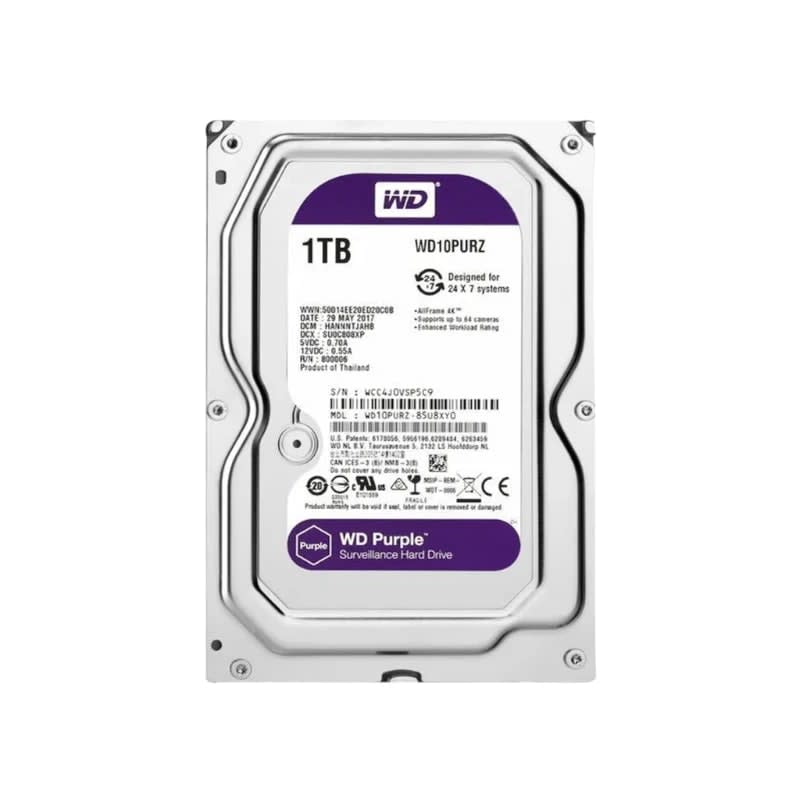
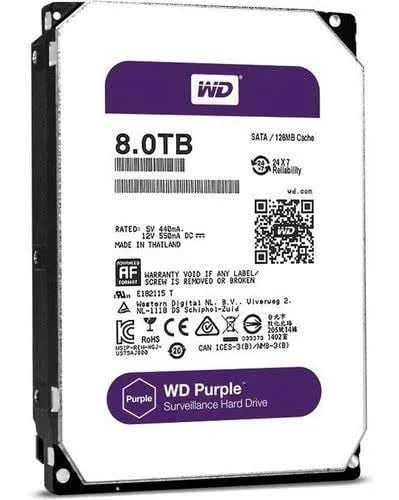
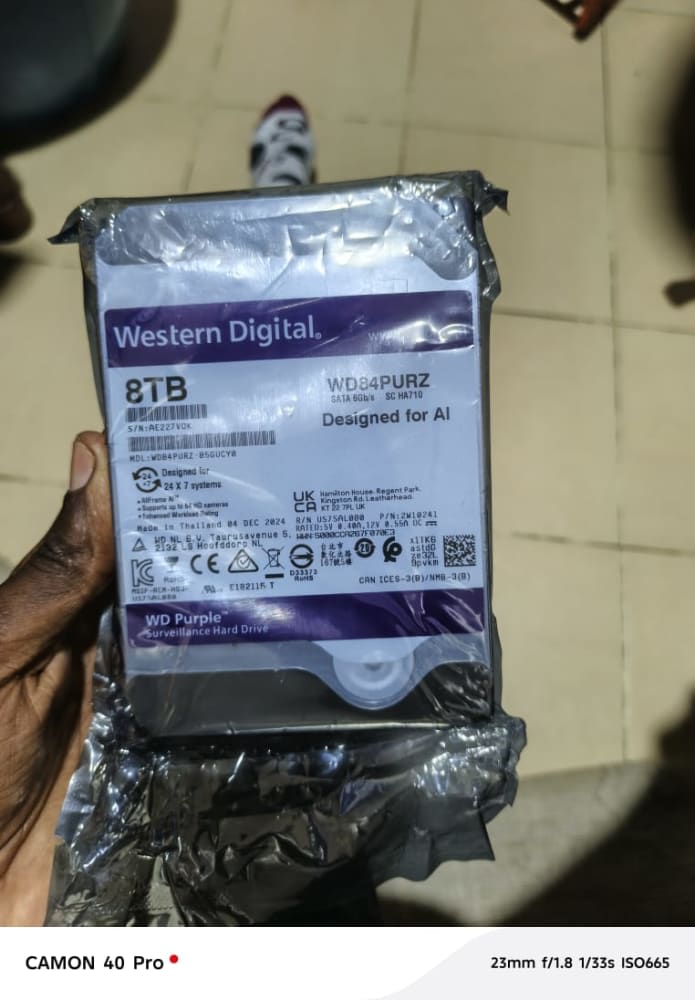
- Full or failed hard disk: If overwrite is disabled the recorder stops once the disk fills. Enable overwrite, or check disk health in the menu — a disk showing errors, clicking or not detected must be replaced.
- No recording schedule set: After a reset or firmware update, the recording schedule can revert to blank. Re-enable continuous or motion recording for every channel.
- Disk not formatted/initialised: A newly fitted disk must be initialised in the recorder before it will record.
- Heat: Recorders crammed into hot, closed cabinets overheat and corrupt recordings. Ensure ventilation.
Problem 4: Remote Viewing on Your Phone Stops Working
Being unable to view your cameras remotely is frustrating but rarely means the system is broken — it is almost always an internet or network configuration issue.
- Internet down or slow: Confirm the router has internet and that the recorder is connected to it. Weak upload speed (common on some home packages) causes lag and disconnections.
- DHCP IP change: When the recorder's IP address is assigned automatically, a router reboot can change it and break the link. Set a static/reserved IP for the recorder.
- P2P/cloud ID offline: Most modern systems use a P2P QR-code app. If it says offline, reboot the recorder and router, and confirm the device's network/DNS settings.
- Outdated app or firmware: App updates and security patches frequently change connection requirements. Update both the mobile app and the recorder firmware.
- Port forwarding broken: Older setups relying on manual port forwarding fail when the ISP changes settings or rotates the public IP. Switch to the manufacturer's P2P cloud where possible.
- Password/account lockout: Too many wrong attempts can lock remote access temporarily; wait and retry, or reset on-site.
Problem 5: Power, Surges and Blackouts
Kenya's power fluctuations and load-shedding are hard on electronics, and surges are a leading cause of dead cameras and corrupted recordings. A recorder that keeps losing its settings or rebooting is usually suffering unstable power.
- No backup power: When mains drops, the whole system goes dark and you lose footage during exactly the moments you most need it. A UPS keeps the recorder and router running through short outages.
- Surge damage: Lightning and grid spikes destroy power supplies and camera boards. Use surge protection, especially in rural and upcountry installations.
- Undersized power supply: Adding cameras to an old power box overloads it. Match the supply's amperage to the total camera load.
For sites with frequent outages or remote locations, consider battery backup or even a solar-powered CCTV and electric fence setup in Kenya to keep your surveillance online when the grid is not.
Problem 6: Poor or Blurry Image Quality
- Out of focus: Varifocal lenses can drift; refocus the lens or check the autofocus.
- Dirty or scratched dome: Clean gently; replace badly scratched covers.
- Wrong resolution/bitrate: A high-resolution camera throttled to a low bitrate looks soft. Raise the recording bitrate if storage allows.
- Bandwidth bottleneck: Too many high-res streams on a weak network produce stutter and artefacts.
- Bad placement: A camera fighting direct sunrise/sunset glare or pointed at a bright sky will silhouette everything. Reposition for even lighting.
Quick Reference: Problem → Cause → Fix
| Problem | Most Likely Cause | Fix You Can Try | Call a Technician If… |
|---|---|---|---|
| Black screen / no signal | Power adaptor or cable fault | Re-seat connectors; test power; swap cable | Camera or recorder is confirmed dead |
| No night vision | Dirty lens / IR reflection / failed IR | Clean glass; move from walls and glass | IR LEDs never light up |
| Camera offline | PoE overload / IP change / cable | Reserve static IP; check PoE budget; reboot | Cabling needs re-running |
| Not recording | Full or failed hard disk / no schedule | Enable overwrite; set schedule; check disk | Disk clicks or is undetected |
| No remote viewing | Internet / firmware / P2P offline | Reboot router & DVR; update app & firmware | Port forwarding/ISP config needed |
| Reboots / lost settings | Power surge / instability | Add UPS and surge protection | Board shows surge damage |
| Blurry image | Focus / dirt / low bitrate | Refocus; clean; raise bitrate | Lens mechanism has failed |
Typical 2026 Repair & Part Costs in Kenya (KES)
The figures below are typical Kenyan market price ranges for general guidance in 2026 — not our fixed quotes. Actual cost depends on brand, site access and the number of cameras. Check our products or contact us for current pricing.
| Item / Service | Typical Price Range (KES, 2026) |
|---|---|
| Replacement 12V power adaptor | 800 – 2,500 |
| Multi-camera power supply box | 2,500 – 6,000 |
| Surveillance hard disk (1–4TB) | 6,000 – 18,000 |
| UPS for DVR/router (small) | 7,000 – 20,000 |
| Replacement HD/IP camera | 3,500 – 15,000+ |
| PoE switch / extender | 3,000 – 14,000 |
| On-site service / diagnostic call | Quoted per site & location |
| System maintenance / health check | Quoted per number of cameras |
For a fuller breakdown of new-system pricing, see our guide to CCTV camera prices in Kenya for 2026.
When to Stop and Call a Technician
DIY checks are fine for cleaning lenses, re-seating plugs, rebooting and updating apps. Please stop and call a qualified installer when you encounter any of the following, to avoid voiding warranties or causing further damage:
- Cabling needs to be re-run, especially through walls, ceilings or underground.
- The hard disk is failing and footage needs recovery before replacement.
- You suspect lightning or surge damage to the recorder or camera boards.
- Remote viewing needs network, router or ISP configuration.
- You are mixing old analog and new IP equipment and signals will not match.
Our team handles all of the above. Explore our installation services and our preventive CCTV and surveillance maintenance — a scheduled health check (cleaning, disk test, firmware updates and cable inspection) prevents most of the faults in this guide before they cost you footage.
How to Prevent CCTV Problems in the First Place
- Buy genuine, warranty-backed equipment — counterfeit cameras and disks fail fastest. Browse our products.
- Always fit a UPS and surge protection on the recorder and router.
- Use weatherproof junction boxes and quality outdoor cable to survive sun and rain.
- Schedule a maintenance visit at least once a year — twice in dusty or coastal areas.
- Keep firmware and the mobile app updated.
Frequently Asked Questions
Why is my CCTV camera showing a black screen during the day?
A daytime black screen is almost always a power or cable fault. Re-seat the connectors, test the power adaptor, and swap the camera onto a known-good cable. If power and cable test fine, the camera or that recorder channel has likely failed.
Why can't I view my CCTV on my phone anymore?
Most remote-viewing failures are network related: the internet is down or slow, the recorder's IP address changed after a router reboot, or the app/firmware needs updating. Reboot the router and recorder, update the app, and set a reserved static IP for the recorder.
Why has my DVR stopped recording?
The most common reasons are a full hard disk with overwrite disabled, a failed or unformatted disk, or a recording schedule that was cleared after a reset. Check disk health and storage settings; if the disk clicks or is not detected, replace it.
How do I fix CCTV with no night vision?
Clean the lens and dome cover, move the camera away from walls and glass that cause IR reflection, and confirm the IR LEDs glow faintly red at night. If they never light, the IR module has failed. For full-colour night footage, upgrade to a ColorVu/full-colour camera.
How often should CCTV be serviced in Kenya?
At least once a year for most sites, and twice a year in dusty, rural or coastal environments. Regular cleaning, disk testing, firmware updates and cable inspection prevent the majority of faults.
Still stuck, or want a professional to diagnose and fix it properly? Call or WhatsApp our team on +254 718 811661, reach out via contact us, or browse genuine, warranty-backed equipment with expert installation and countrywide delivery across Kenya. Pay on delivery after we confirm your order.