
Access Control Systems
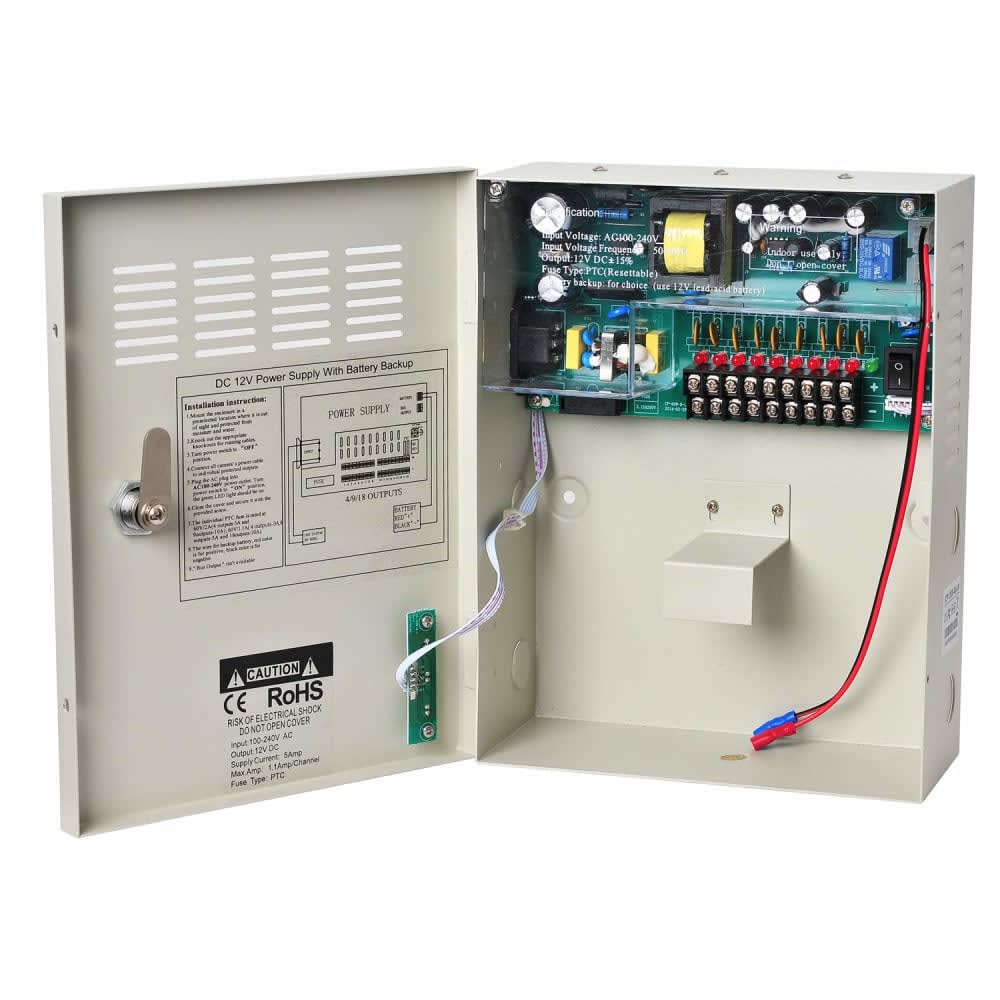
12V 3A Power Supply Unit (CCTV / Access Control)
KSh 1,800
KSh 300 delivery anywhere in Kenya · Cash on delivery
Outages, surges when power returns and long cable runs through heavy rain are what kill CCTV systems in Kisumu, Kakamega, Bungoma, Kisii and Busia. This guide covers earthing, surge protection and power sizing.
By Giga Team Solutions · Updated · 8 min read
When a CCTV system in western Kenya stops working, the camera is usually the last thing at fault. The usual culprits are a power supply that died when electricity came back after an outage, a recorder that corrupted its disk during a brownout, or water that found its way into a joint during the long rains. Choosing a camera takes an afternoon. Getting the power and cabling right is what decides whether the system is still recording next year. This guide is for homes, shops, schools and offices in Kisumu, Kakamega, Bungoma, Kisii, Busia and the surrounding counties, and it focuses on that unglamorous side of the job.
A CCTV system is a set of small electronic devices running around the clock. Three kinds of power problem hurt it:
None of these are solved by buying a more expensive camera. They are solved by earthing, surge protection and correctly sized power supplies, in that order.
An earthed system gives a surge somewhere to go other than through your recorder. In practice that means:
Work on the building's earthing and distribution board is electrical installation work. In Kenya that generally has to be done by, or under the supervision of, a licensed electrical worker under the Electric Power (Electrical Installation Work) Rules, 2006 (EPRA electricity regulations). A CCTV installer can tell you what is needed; the board work itself is for the electrician.
No single device stops every surge. Protection works in layers, each catching what the one before missed.
Undersized power supplies are a quiet cause of night-time faults. A camera can work all day, then reboot every few minutes after dark because its light has switched on and the supply cannot keep up. Size everything with headroom, roughly 20–25% spare, rather than running a supply at its limit.
Read the power rating on each device's label or datasheet. The figures in this table are an illustration of the method, not the ratings of any particular product:
| Device | Example rating from the label | What to plan for |
|---|---|---|
| 12V HD analogue camera | 12V, 0.5 A at night | Four cameras = 2 A; a 3 A supply leaves about a third spare |
| 12V 3A power supply | 36 W maximum | Plan to load it to about 2.4 A continuous |
| PoE IP camera | 6 W with light on | Eight cameras = 48 W of PoE |
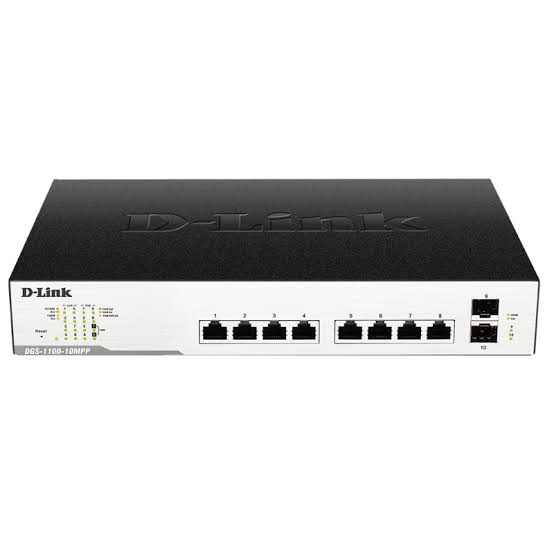
| 8-port PoE switch, 64 W budget | 64 W total PoE | 48 W leaves headroom; ten such cameras would not |
| Recorder + router + switch on a UPS | Add up all labels | Keep well under the UPS's watt rating |
The 8-port switch in that example is the D-Link DGS-1100-08P (KSh 13,800), which has 802.3af PoE on all eight ports and a 64 W PoE budget. If you go the HD analogue route with cameras such as the Hikvision ColorVu 1080p (KSh 3,400), note that it records to a DVR rather than an NVR, and it needs 12V power at each camera position; our post on IP versus analogue CCTV compares the two approaches.
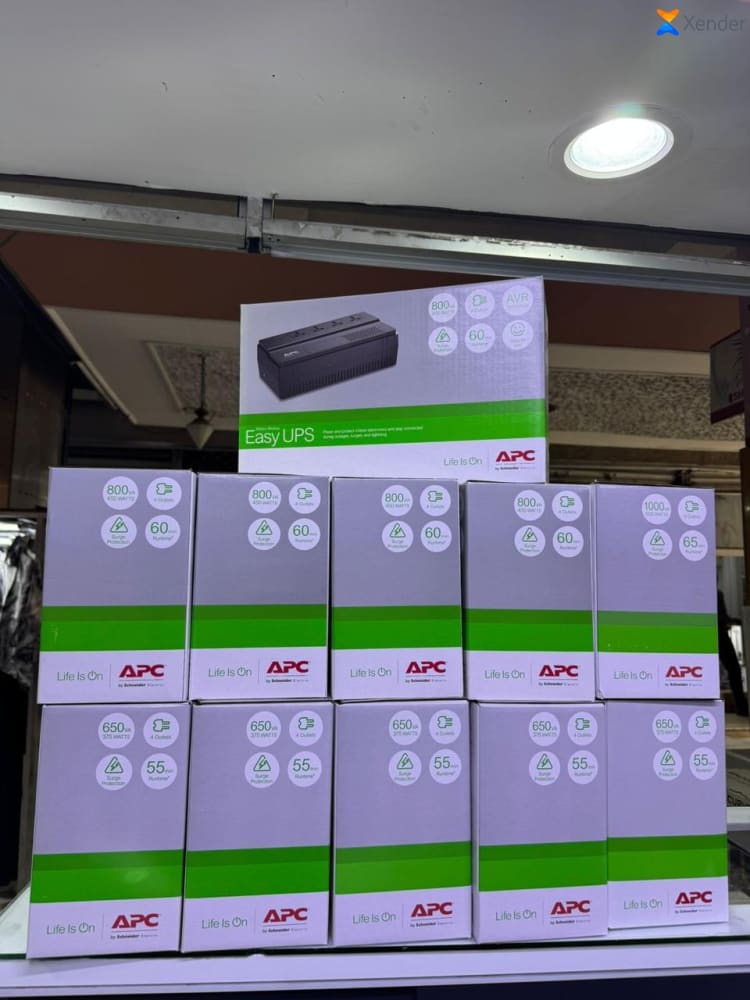
The 650VA UPS above is rated at 325 W. On a small system that load fits comfortably, but run time is limited by its battery: expect minutes to perhaps an hour depending on load and battery age, not a full night. The manufacturer's runtime chart is the reference. For long outages, the options are a larger UPS or a battery-and-inverter setup; our guide on UPS backup for CCTV explains how to work it out, and the power and accessories section lists what we stock.
One more point on 12V cameras: voltage drops along thin cable. A camera 50 metres from its power supply on thin wire may get noticeably less than 12V, and that shows up as night-time reboots. Either run heavier power cable, place the supply closer to the cameras, or use PoE, which handles distance better.
Western Kenya gets heavy rain for long stretches of the year, and cable that is fine in a dry season fails once the ground is soaked.
If cameras start dropping out during or after rain, check joints and boxes first. Our CCTV troubleshooting guide walks through the order of checks.
Kisumu. Near the lake, swarms of lake flies and other insects gather around lights at night. Cameras with built-in lights attract them, and spider webs follow. Expect false motion alerts and a hazy night picture unless the cameras are cleaned regularly; mounting under an overhang rather than next to an outside security light helps.
Kakamega. With frequent rain, the sealing and drip-loop points above matter most here. Check junction boxes after the first heavy storms of each season.
Bungoma and Busia. Shops and stores in busy trading centres are the common case. Keep the recorder inside, locked and on a UPS, and point one camera at the till. For businesses recording staff and customers, the Data Protection Act, 2019 generally applies, including ODPC registration and signage (Kenyans.co.ke summary); confirm current requirements with the ODPC.
Kisii. Hilly plots mean buildings at different levels and cable runs that climb or drop steeply. Plan conduit routes that stay out of runoff channels, and anchor cable on slopes so it does not drag on its connectors.
Our shop is in Nairobi, at White Angle House, Room 62, Kenneth Matiba Road. Orders to Kisumu, Kakamega, Bungoma, Kisii, Busia and the rest of western Kenya are delivered for a flat KSh 300 per order, typically within 24 to 48 hours, with cash on delivery; see our shipping page. Most products carry the manufacturer's warranty, and returns are accepted within 7 days. To check how much disk space your cameras will need, use the CCTV hard disk calculator.
We supply and install CCTV in Kisumu and across Western Kenya. Call or WhatsApp us on +254 718 811 661 to discuss your site and get a quote. Tell us how many cameras you need, the distances between buildings and what backup power is already there, and we can advise on the parts list.
Yes. Delivery to Kisumu, Kakamega, Bungoma, Kisii, Busia and anywhere else in Kenya is a flat KSh 300 per order, typically within 24 to 48 hours, with cash on delivery.
Yes. We install CCTV in Kisumu and across Western Kenya, and anywhere else in Kenya. Call or WhatsApp us on +254 718 811 661 with details of your site for a quote.
The most common causes are a cheap power adaptor damaged by the surge when power returned, or a recorder that shut down hard and needs a restart. A UPS with voltage regulation and a protected power supply reduce both.
Add up the watt ratings of the recorder, router, switch and cameras and choose a UPS rated well above that total. Run time depends on the battery, so check the manufacturer's runtime chart for your load.
The CCTV equipment should be connected to the building's tested earthing system rather than separate improvised rods. Earthing and distribution board work should be done by a licensed electrical worker.
Access Control Systems
KSh 1,800
Access Control Systems
KSh 8,000
Computing & Networks
KSh 13,800
Computing & Networks
KSh 18,000
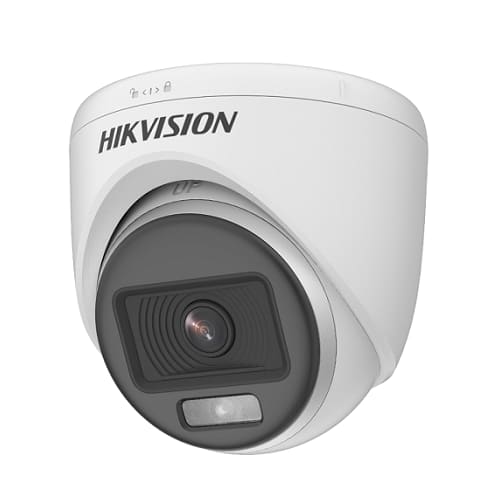
CCTV Cameras
KSh 3,400KSh 3,500
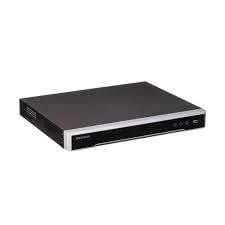
CCTV Cameras
KSh 26,000