Mesh WiFi & Routers for Whole-Home Coverage in Kenya 2026
Fix WiFi dead zones for good. Compare mesh WiFi, routers and access points in Kenya, with 2026 price ranges, coverage by house size and placement tips.
If your WiFi drops in the bedroom, buffers on the stairs, or dies the moment you step into the back garden, you are not alone — and you do not necessarily need a faster internet package. In most Kenyan homes the real problem is coverage, not speed, and the fix is a properly chosen mesh WiFi system or router. This guide explains how to get reliable, whole-home WiFi coverage in Kenya in 2026: single router versus mesh versus wired access points, what dual-band and WiFi 6 actually mean for you, how much coverage you need by house size, why your ISP router is often the bottleneck, the brands available locally, and realistic price ranges in Kenyan Shillings.
Why You Get WiFi Dead Zones in Kenyan Homes
WiFi is just radio. Those radio signals weaken every time they pass through a wall, a floor slab, a metal door, or a water tank. Kenyan homes are particularly tough on WiFi because many are built with solid stone, concrete blocks and reinforced concrete slabs between floors — materials that absorb 2.4GHz and especially 5GHz signals far more than the drywall common in other countries.
The result is predictable: a strong signal in the living room where the router sits, and dead zones in the master bedroom, the DSQ, the upstairs office, or outside near the gate. Adding a faster fibre plan does nothing here, because the limitation is how far the signal physically reaches — not how much data your line can carry.
Pro tip: Before spending on new equipment, walk through your home with a free WiFi analyser app and note where the signal drops below roughly -70 dBm. Those are your dead zones — and knowing exactly where they are tells you whether one well-placed router will do, or whether you genuinely need mesh.
The Hidden Culprit: Your ISP Router
The free router your internet provider installs (Safaricom Home Fibre, Zuku, JTL Faiba, Poa, and others) is built to a price. It is usually a single-band or basic dual-band unit with weak antennas, designed to cover an apartment or a single room — not a multi-bedroom maisonette or a bungalow with an outbuilding.
These routers are also often placed wherever the fibre cable happened to enter the house — frequently a corner near the gate or a utility room — which is the worst possible spot for even coverage. You generally cannot move the ISP router far without re-running cable, but you can put it into "bridge" or "access point" mode and let a better router or mesh system handle the WiFi. That single change solves a large share of home WiFi complaints in Kenya.
Single Router vs Mesh vs Access Points
There are three honest ways to cover a home. The right one depends on your layout, your budget, and whether you can run cable.
1. A single high-power router
Best for apartments and small, open-plan homes. One good dual-band router placed centrally can comfortably cover a 1-2 bedroom flat. It is the cheapest fix and the simplest to set up — but radio physics still apply, so it will not magically reach through three stone walls.
2. A mesh WiFi system
Best for larger homes, maisonettes and multi-storey houses. A mesh kit is two or three (or more) matching units — one connects to your internet, the others are "satellites" placed around the home. They share a single WiFi name, and your phone roams seamlessly between them as you move. Mesh is the most popular modern solution because it is easy to expand and needs no cabling between nodes (though wiring them improves performance).
3. Wired access points
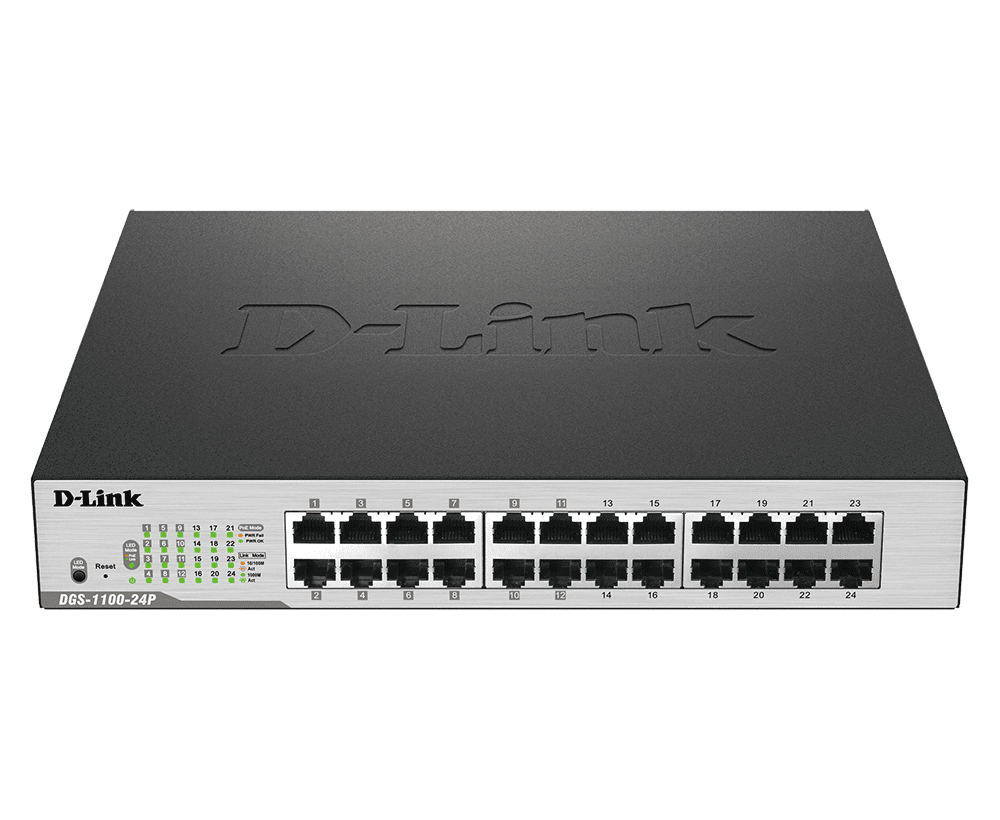
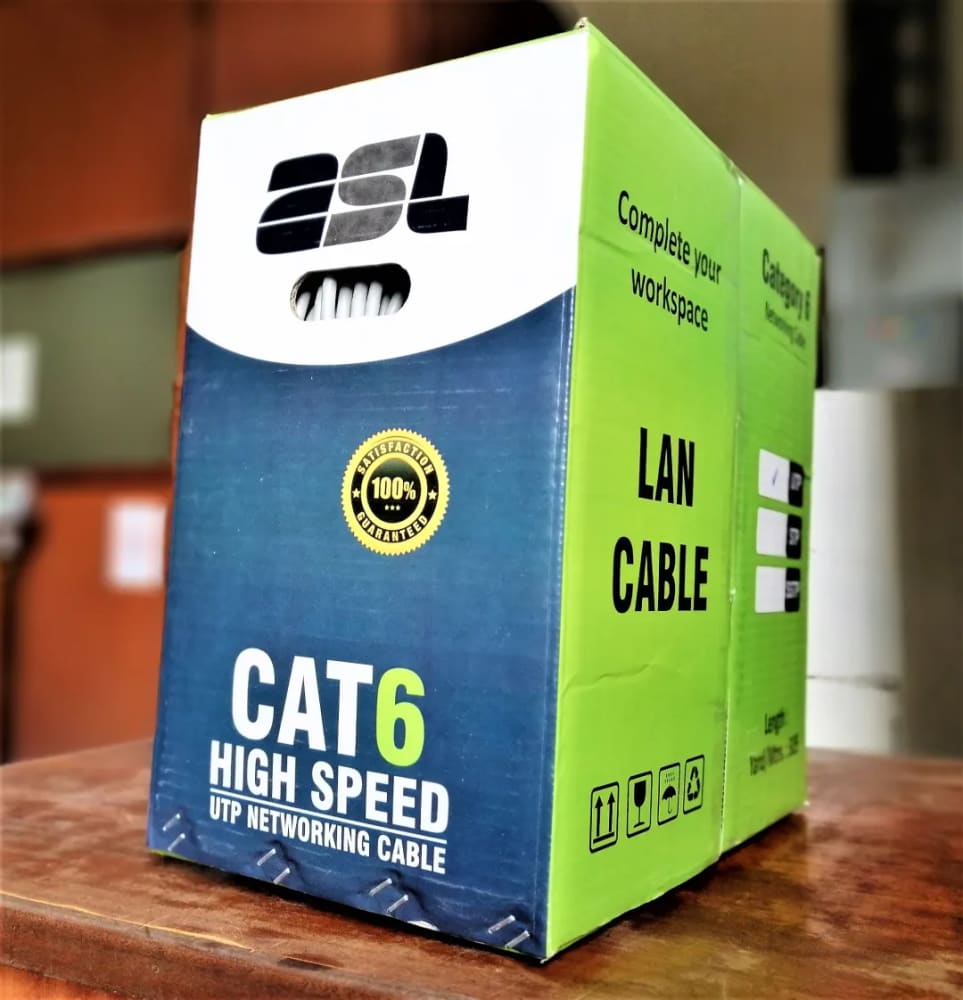
Best for the most reliable result, larger estates, and homes where you can run network (Cat6) cable during construction or renovation. Multiple access points plug into a central switch by cable and broadcast WiFi from fixed points. This delivers the best speed and stability because each access point has its own wired backhaul. It is the approach we recommend for offices and bigger compounds, and it pairs well with structured cabling done alongside CCTV cameras and other low-voltage systems.
Dual-Band, WiFi 6 and What Actually Matters
Marketing throws a lot of numbers at you. Here is what genuinely affects your experience:
- Dual-band means the device broadcasts on both 2.4GHz (longer range, slower, better through walls) and 5GHz (faster, shorter range). Buy dual-band at minimum — single-band routers are a false economy in 2026.
- WiFi 5 (ac) is still perfectly fine for browsing, streaming and video calls in a typical home.
- WiFi 6 (ax) is the current sweet spot: it handles many devices at once far better — important now that a single Kenyan home may have phones, laptops, smart TVs, CCTV cameras and smart plugs all connected. If you are buying new, prefer WiFi 6.
- Tri-band mesh adds a third radio dedicated to communication between nodes, which keeps speeds high in bigger homes. It costs more and is worth it for large maisonettes or many users.
Do not be seduced by the big "AX5400" style numbers — those are theoretical lab totals you will never see. Coverage, build quality and the number of nodes matter far more than the headline figure.
Coverage by House Size: What to Buy
Use this as a practical starting point for Kenyan homes. Solid stone construction reduces real-world coverage, so when in doubt, size up.
| Home type | Approx. size | Recommended solution | Nodes / units |
|---|---|---|---|
| Studio / 1-bed apartment | Up to ~600 sq ft | Single dual-band router | 1 |
| 2-3 bed apartment | ~600-1,100 sq ft | Single high-power router or 2-pack mesh | 1-2 |
| Bungalow (3-4 bed) | ~1,200-2,000 sq ft | 2-3 unit mesh kit | 2-3 |
| Double-storey maisonette | ~2,000-3,500 sq ft | 3-unit mesh (tri-band) or wired access points | 3 |
| Large home + DSQ / outbuildings | 3,500 sq ft+ / compound | Wired access points + outdoor unit | 3-5+ |
For outdoor coverage near the gate, parking or perimeter, a weatherproof outdoor access point is the correct tool — and it conveniently sits alongside the cabling you may already be running for your electric fence and gate systems.
Brands and Mesh Kits Available in Kenya
You do not need an exotic import. The brands widely stocked and supported in Kenya in 2026 are reliable and have local spares:
- TP-Link — the most common choice, from the value Archer routers to the Deco mesh range (Deco is genuinely easy to set up via an app and very popular for homes).
- Tenda — strong budget option, including the Nova mesh kits for affordable whole-home coverage.
- Huawei — well-known routers and mesh that pair neatly with Huawei fibre ONTs.
- Mesh kits in general — 2-pack and 3-pack systems from these brands cover the majority of Kenyan homes without any cabling.
Whatever you choose, buy genuine, warranty-backed hardware. Grey-market networking gear is a common cause of random disconnects and short lifespans. You can browse the routers, mesh kits, switches and access points we carry on our networking products page or across our products.
Typical 2026 Price Ranges in Kenya (KES)
The figures below are typical Kenyan market price ranges for 2026 for general guidance only. Confirm current pricing on our product pages or by contacting us.
| Equipment | Typical price range (KES) | Best for |
|---|---|---|
| Basic dual-band router (WiFi 5) | 3,500 - 7,000 | Apartments, small homes |
| WiFi 6 router (single) | 7,000 - 18,000 | Modern homes, many devices |
| Mesh kit, 2-pack | 12,000 - 28,000 | Medium homes, light cabling |
| Mesh kit, 3-pack (tri-band / WiFi 6) | 22,000 - 55,000 | Maisonettes, large homes |
| Indoor access point | 5,000 - 14,000 | Wired whole-home setups |
| Outdoor / weatherproof access point | 8,000 - 20,000 | Compounds, gate, parking |
| Network switch + Cat6 cabling | From 6,000 (plus install) | Wired backbone |
Placement Tips That Make a Real Difference
- Go central and high. Place your main router or first mesh node near the middle of the home and off the floor — on a shelf, not behind the TV or inside a cabinet.
- Mind the obstacles. Keep units away from metal, mirrors, water tanks and the microwave; all of these block or scatter the signal.
- Space mesh nodes correctly. A satellite should be placed where it still receives a good signal from the main unit — not in the dead zone itself. Halfway is usually right.
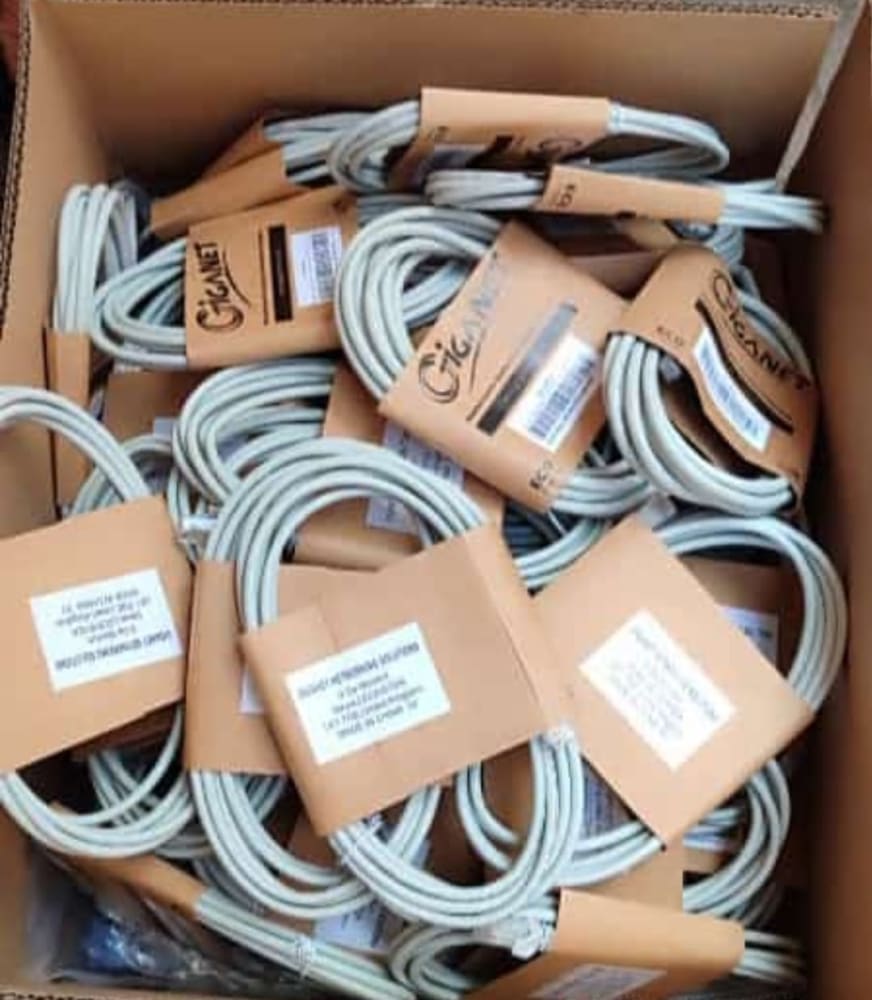
- Wire the backhaul if you can. Connecting mesh nodes by Cat6 cable, where possible, dramatically improves speed and stability.
- Separate from interference. Don't stack the router on top of a decoder, a UPS, or a CCTV recorder.
When to Get a Professional Site Survey
For an apartment, a single good router you set up yourself is often enough. But for a multi-storey home, a compound with outbuildings, or any property where stone walls are killing the signal, a quick site survey saves you money — it confirms exactly how many nodes you need and the best placement before you buy. Our team measures signal strength room by room, recommends the right mix of mesh or wired access points, and handles neat installation and cabling. See our installation services or contact us to arrange one. Good networking also forms the backbone for connected security, so it pairs naturally with choosing the right CCTV cameras for your home.
Frequently Asked Questions
Is a mesh WiFi system better than a WiFi extender?
Yes, in almost every case. Cheap extenders usually create a second, weaker network and halve your speed. A mesh system uses one seamless network and your devices roam between nodes automatically — a far better experience for a whole home.
Can I use mesh WiFi with my Safaricom or Faiba fibre?
Absolutely. You keep your ISP's fibre box (ONT), set the ISP router to bridge/access-point mode, and connect your mesh or new router to it. This works with all the major Kenyan ISPs and gives you full control of your WiFi.
How many mesh nodes do I need?
As a rule of thumb: one unit per floor plus one extra for a large or oddly shaped layout. Most Kenyan maisonettes are well served by a 3-pack. A site survey confirms the exact number so you don't overspend.
Will mesh WiFi increase my internet speed?
It won't exceed the speed your ISP plan delivers, but it ensures you actually receive that speed everywhere — instead of full speed near the router and almost nothing in the back rooms.
Ready to end your WiFi dead zones? Talk to Giga Team Solutions for honest advice, a site survey, and neat professional installation across Nairobi and countrywide. Call or WhatsApp us on +254 718 811661, email sales@gigateamsolutions.com, or browse genuine, warranty-backed equipment. You order online and pay on delivery after we confirm your order — no upfront online payment required.